
HR Tech SaaS may earn a commission when you buy through links on this page. Our recommendations are editorial and never paid for.
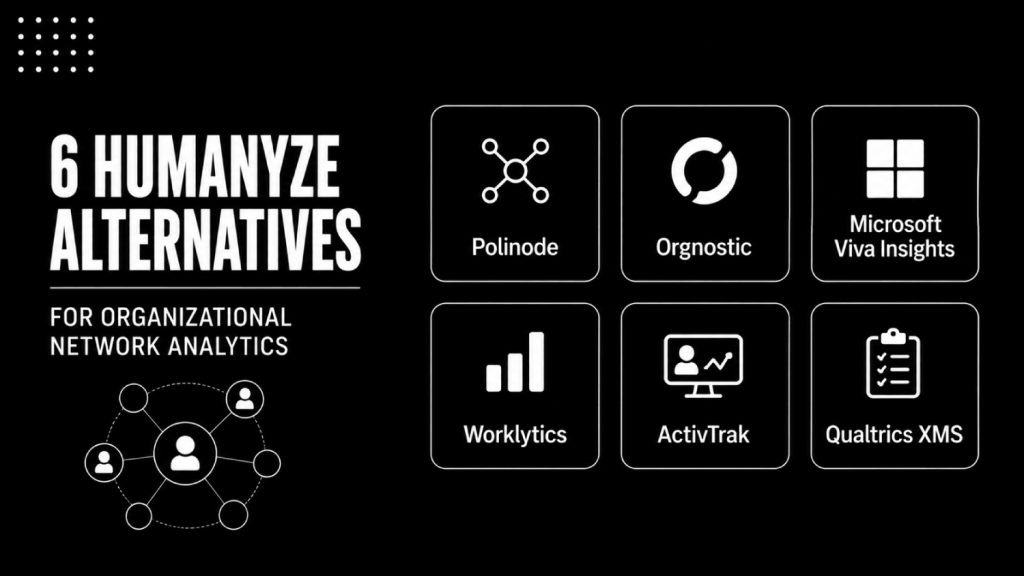
- Humanyze is not the only serious organizational network analysis tool. Several humanyze alternatives match or exceed it depending on your privacy requirements, data sources, and analytical depth.
- The six strongest alternatives split across two use cases: purpose-built ONA platforms (Polinode, Orgnostic, Worklytics) and broader collaboration or workforce analytics tools with ONA capability (Microsoft Viva Insights, ActivTrak, Qualtrics).
- Privacy architecture is the real differentiator. Some tools analyze metadata only; others touch message content. Your legal team will care about this distinction more than your analytics team.
- Pricing is almost universally quote-based in this category. Assume a minimum six-month sales cycle and a pilot before full deployment.
- The best fit depends on whether you want network mapping as a standalone capability or as part of a wider people analytics investment.
Humanyze is not the only platform capable of mapping how work actually flows through your organization. Polinode, Orgnostic, Worklytics, Microsoft Viva Insights, ActivTrak, and Qualtrics all offer organizational network analysis or collaboration analytics at varying depths. The right choice among these Humanyze alternatives depends on your privacy posture, existing tech stack, and whether you need pure ONA or ONA embedded in a broader analytics layer.
What Is Humanyze and Why Are Buyers Looking for Alternatives?
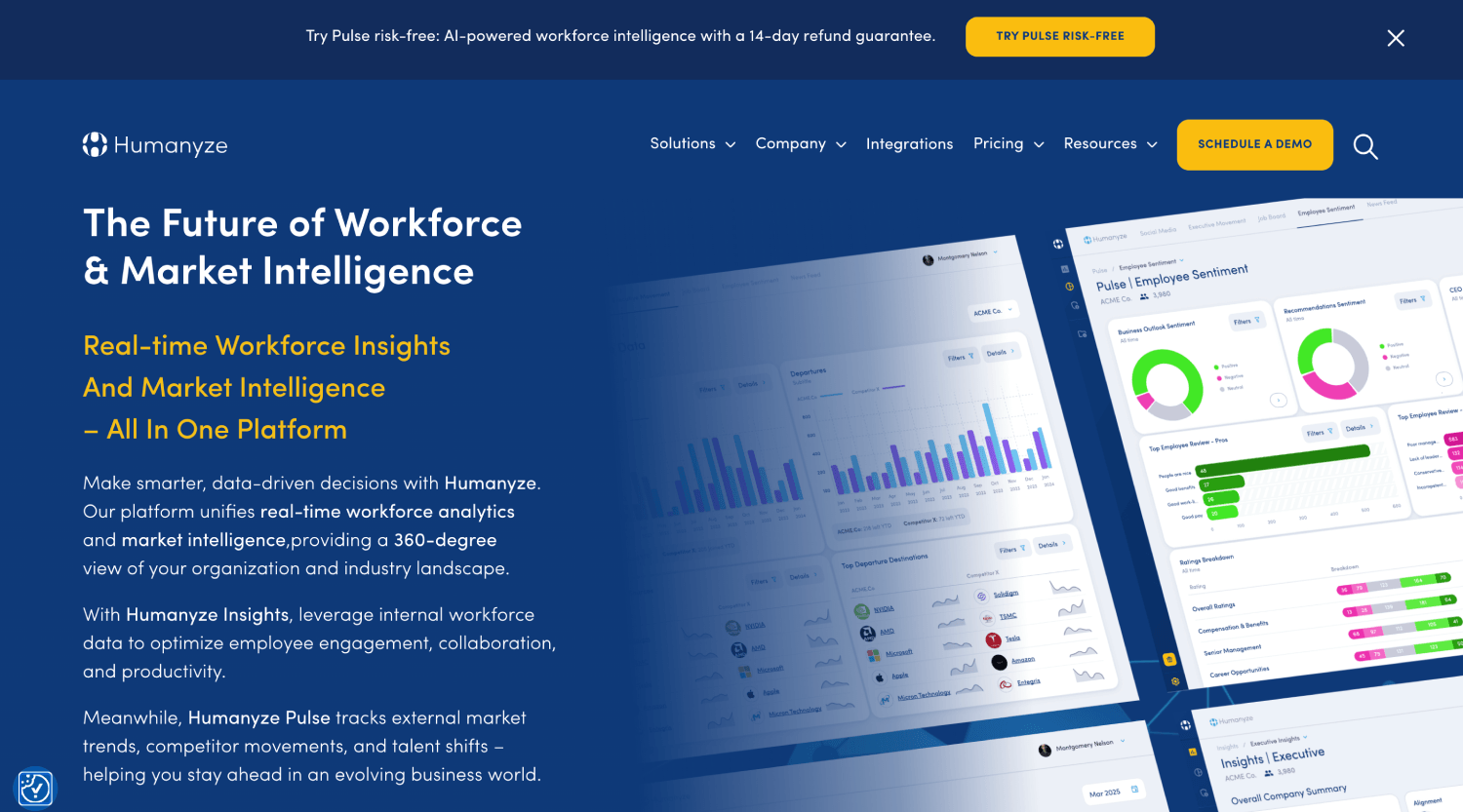
Humanyze built its reputation on a specific proposition: use communication metadata and, in some deployments, physical sensor data from smart badges to map how teams collaborate, where communication breaks down, and which network structures correlate with high performance. It is genuinely differentiated technology. The sensor layer in particular has no direct equivalent in software-only alternatives.
Buyers start looking for alternatives for three reasons. First, the physical badge component raises consent and privacy questions that are difficult to resolve in EU-regulated environments and increasingly uncomfortable in US ones. Second, Humanyze’s depth requires significant implementation effort and a mature people analytics function to extract value from. Third, some buyers simply need network mapping without the full sensor-based platform, and Humanyze is overbuilt for that use case.
What most of these buyers get wrong is treating this as a feature comparison. The real decision is about data philosophy. Tools differ not just in what they measure but in what signals they will and will not touch, and that architectural choice shapes every downstream use case.
For a broader view of how ONA fits into the people analytics category, the distinction between people analytics, workforce analytics, and talent intelligence is worth understanding before shortlisting any tool in this space.
What Should You Actually Evaluate in an ONA or Collaboration Analytics Tool?
Before looking at specific products, define what you actually need ONA to answer. “We want to understand how our organization collaborates” is too vague to shortlist against. The use cases that matter most are: identifying communication silos between teams, spotting over-burdened employees who sit at too many network intersections, measuring the impact of reorganizations on information flow, and finding informal leaders whose departure would damage team cohesion.
Each of those use cases has different data requirements. Silo detection works on email and calendar metadata. Identifying over-burdened connectors requires more granular communication frequency data. Measuring reorg impact needs a baseline and the ability to run repeated network snapshots over time. Finding informal leaders benefits from richer signal sets, including messaging platform data.
Privacy posture comes second. Aggregate vs. individual-level output is the most important axis. Some tools show only team-level or department-level network maps, which most legal and works council reviews will accept. Others surface individual communication patterns, which trigger GDPR Article 9 considerations and may require Works Council sign-off in Germany, the Netherlands, and France. Know which regime you’re operating under before you demo anything.
| Tool | Primary Data Source | ONA Depth | Privacy Architecture | Best Fit |
|---|---|---|---|---|
| Humanyze | Email, calendar, badges | Deep (sensor + digital) | Aggregate and individual | Enterprise with sensor program |
| Polinode | Survey + Microsoft/Google data | Deep (survey-first) | Aggregate | ONA-first buyers, EU-safe |
| Orgnostic | HRIS + collaboration metadata | Medium | Aggregate | Analytics teams wanting ONA alongside HRIS data |
| Microsoft Viva Insights | Microsoft 365 metadata | Medium | Personal and manager views | Microsoft-first organizations |
| Worklytics | Microsoft/Google/GitHub metadata | Medium | Aggregate (engineering-focused) | Tech companies, developer productivity |
| ActivTrak | Endpoint activity | Shallow ONA | Individual (configurable) | Productivity monitoring with basic team insights |
| Qualtrics XM | Survey | Shallow ONA | Aggregate | Orgs already on Qualtrics wanting network surveys |
Polinode: The Purpose-Built ONA Platform for Privacy-First Buyers
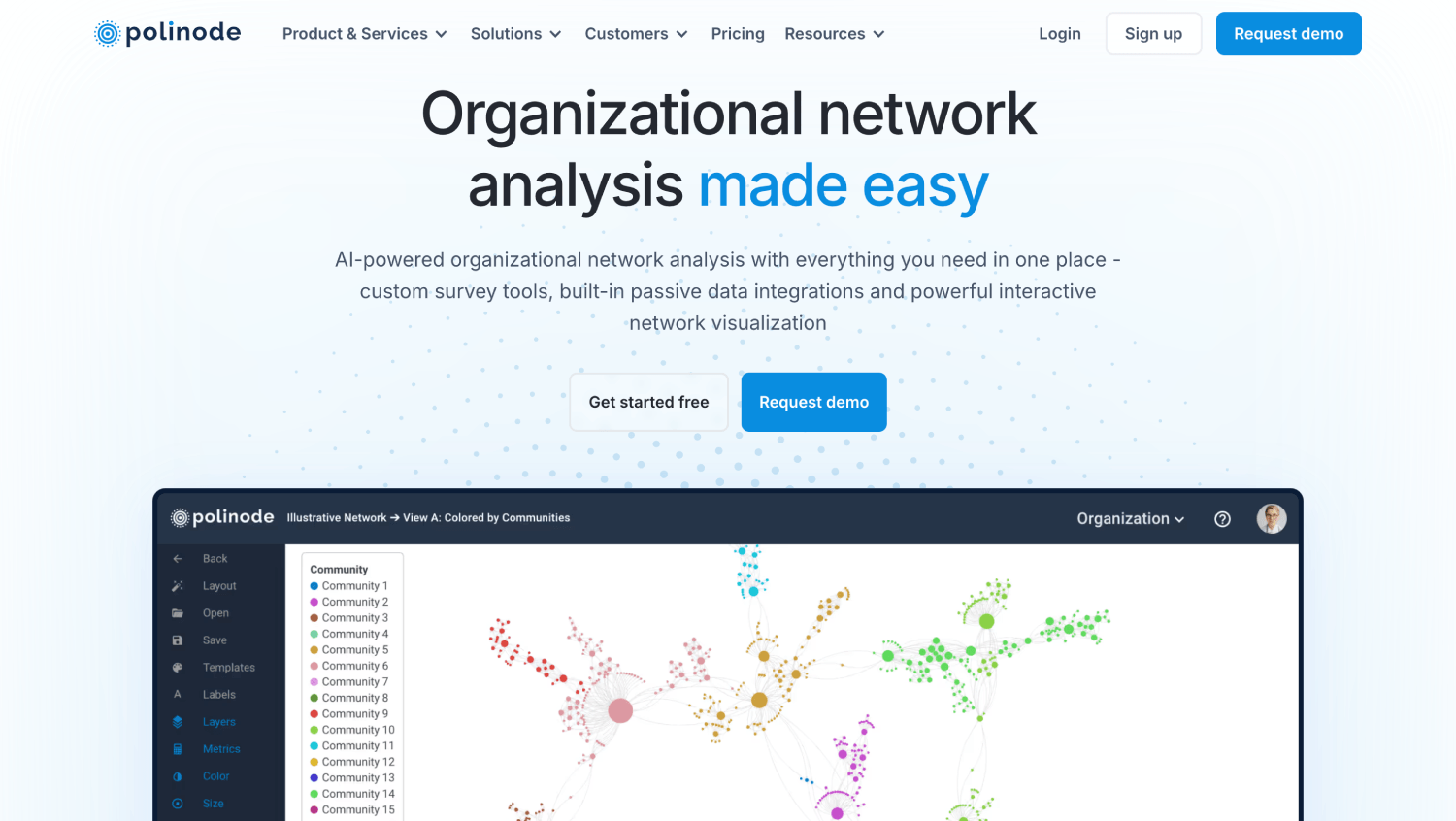
Polinode is the closest direct alternative to Humanyze’s network mapping capability without the physical sensor layer. It supports both active ONA (survey-based, asking employees who they collaborate with) and passive ONA (metadata from Microsoft 365 or Google Workspace), and the two data sources can be combined in a single network map.
The platform’s output is visualization-heavy: force-directed graphs showing clusters, bridges, and isolates across organizational units. Analysts can run centrality calculations, identify brokers, and compare network snapshots across time periods. This is genuine ONA functionality, not a collaboration dashboard with a network diagram bolted on.
Polinode’s privacy architecture defaults to aggregate and anonymized outputs. Individual nodes can be revealed to authorized analysts but are not surfaced to managers by default. That design choice makes it significantly easier to get past EU works councils and GDPR data protection officers than tools that surface individual-level data as the default view.
Pricing is quote-based. Polinode does not publish per-seat figures, and the final cost varies depending on whether you use the survey module, the passive data connectors, or both. Polinode does offer a limited free tier for small-scale network analysis , useful for piloting the methodology , but it is constrained in scale and not a substitute for a paid license in any meaningful enterprise deployment. Expect to pilot before committing.
Orgnostic: ONA Integrated With HRIS Data
Orgnostic (also as Culture AMP) is a people analytics platform that includes ONA capability as part of a broader analytical layer. Where Polinode leads with network analysis, Orgnostic leads with HRIS data integration and adds collaboration network mapping as an overlay on top of headcount, attrition, and performance data.
The practical advantage is context. Seeing that a particular team is over-networked (too many connections outside the team slowing execution) becomes more useful when you can simultaneously see that team’s attrition rate and manager tenure. Orgnostic connects those data points in a single workspace, which Polinode alone cannot do.
The trade-off is depth. Orgnostic’s ONA module is not as analytically rich as Polinode’s. You get centrality measures and team-level collaboration patterns, but the advanced network science features that organizational network analysts look for in Polinode are not fully replicated here. For HR teams who need ONA as one input among many rather than as a primary discipline, that trade-off is worth making.
Orgnostic sits well within the category of AI people analytics platforms, and buyers evaluating it alongside Humanyze are often simultaneously evaluating full people analytics suites rather than standalone ONA tools.
Microsoft Viva Insights: ONA for Microsoft 365 Organizations
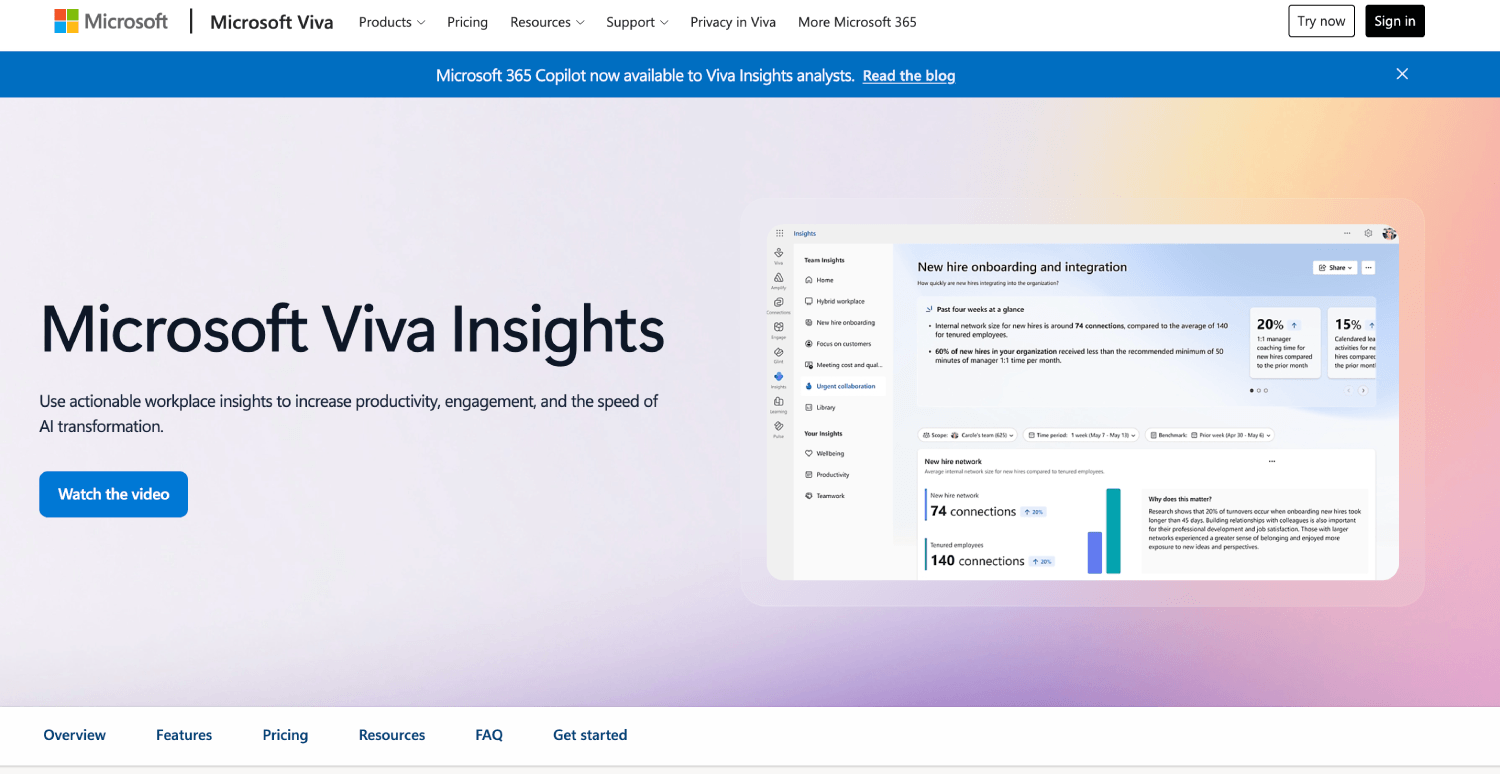
Microsoft Viva Insights (formerly Workplace Analytics) derives its collaboration data entirely from Microsoft 365 signals: email, calendar, Teams messages, and meeting metadata. For organizations already running Microsoft 365, the data integration overhead is zero. That is a meaningful advantage over tools that require new connectors and data transfer agreements.
Viva Insights includes network analysis features under its Advanced Insights tier, which requires a Viva Insights premium license on top of Microsoft 365. The ONA output includes cross-team collaboration patterns, meeting load analysis, and manager-to-employee connection rates. It is not as deep as Polinode, but it is embedded in the same environment your employees already work in, which means adoption friction is low.
The limitation is data monoculture. If your organization uses Slack heavily alongside Teams, or if engineering teams live in GitHub and avoid email, Viva Insights will produce a structurally incomplete network map. The tool sees only what happens in Microsoft’s environment. For organizations where work genuinely happens across Microsoft 365, it is the most cost-efficient ONA option available. For hybrid-tool environments, the gaps are real.
A detailed comparison of Microsoft Viva Insights versus Worklytics and ActivTrak covers the feature and pricing differences in more depth for buyers deciding between these three.
Worklytics: Collaboration Analytics Built for Engineering and Tech Teams
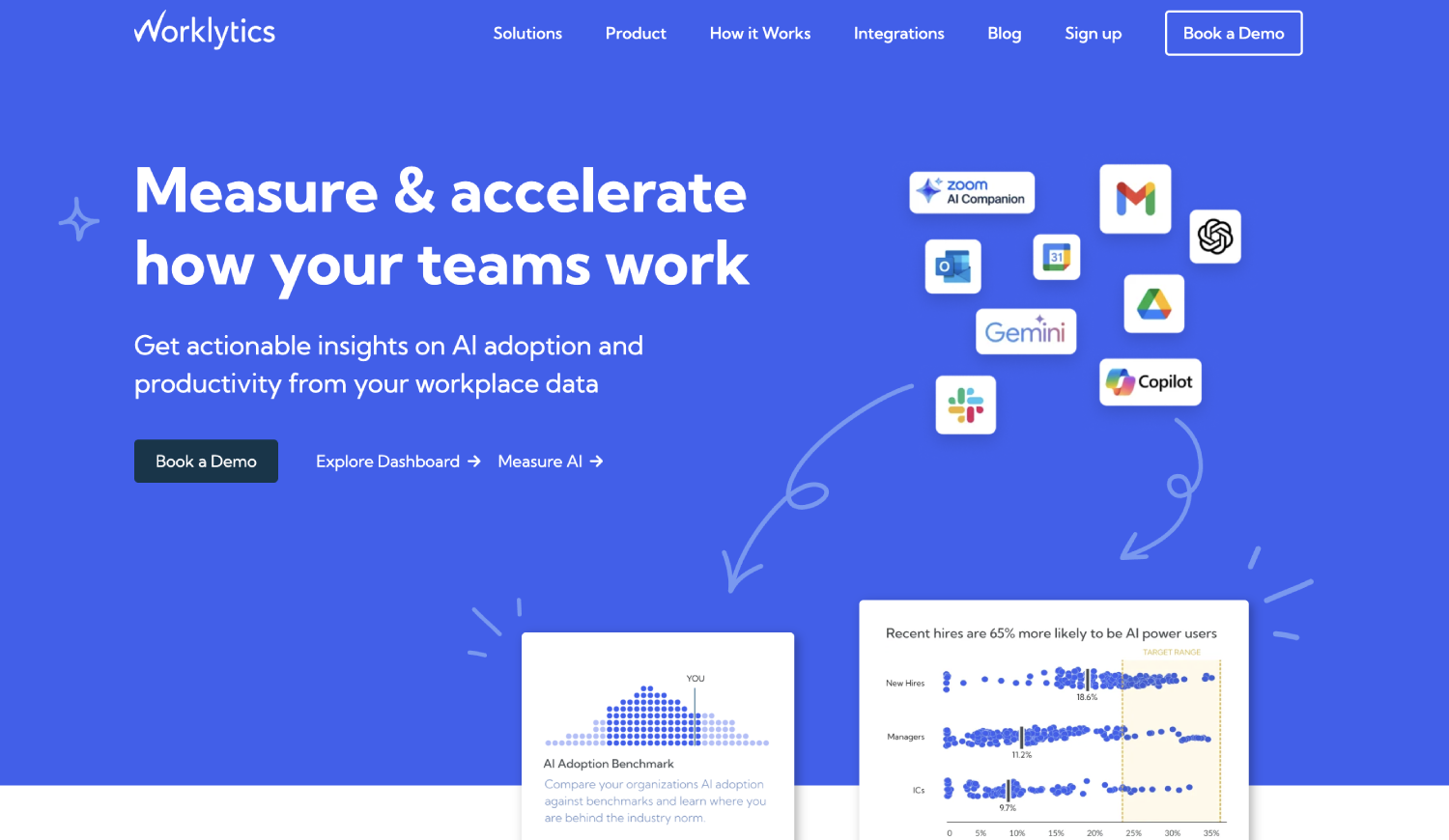
Worklytics connects to Microsoft 365, Google Workspace, GitHub, Jira, and Slack to produce collaboration and productivity analytics. Its ONA capability is real but secondary to its core use case: measuring engineering team health, developer productivity, and cross-functional collaboration patterns in product and technology organizations.
The GitHub and Jira integrations are what set Worklytics apart from every other tool on this list. For an engineering organization trying to understand whether their platform team is a bottleneck in the development workflow, or whether code review patterns are concentrating too much influence in a small number of engineers, Worklytics surfaces signals that Humanyze and Polinode simply do not have access to.
For non-engineering use cases, Worklytics is less compelling. The collaboration analytics for sales, finance, and operations functions are solid but not differentiated. If your ONA use case is primarily about understanding knowledge worker collaboration broadly, Polinode or Viva Insights will serve you better. If engineering team dynamics are central to your question, Worklytics is the strongest option in this group.
Pricing is quote-based. Worklytics does not publish per-seat pricing publicly.
ActivTrak: Productivity Monitoring With Limited ONA Capability
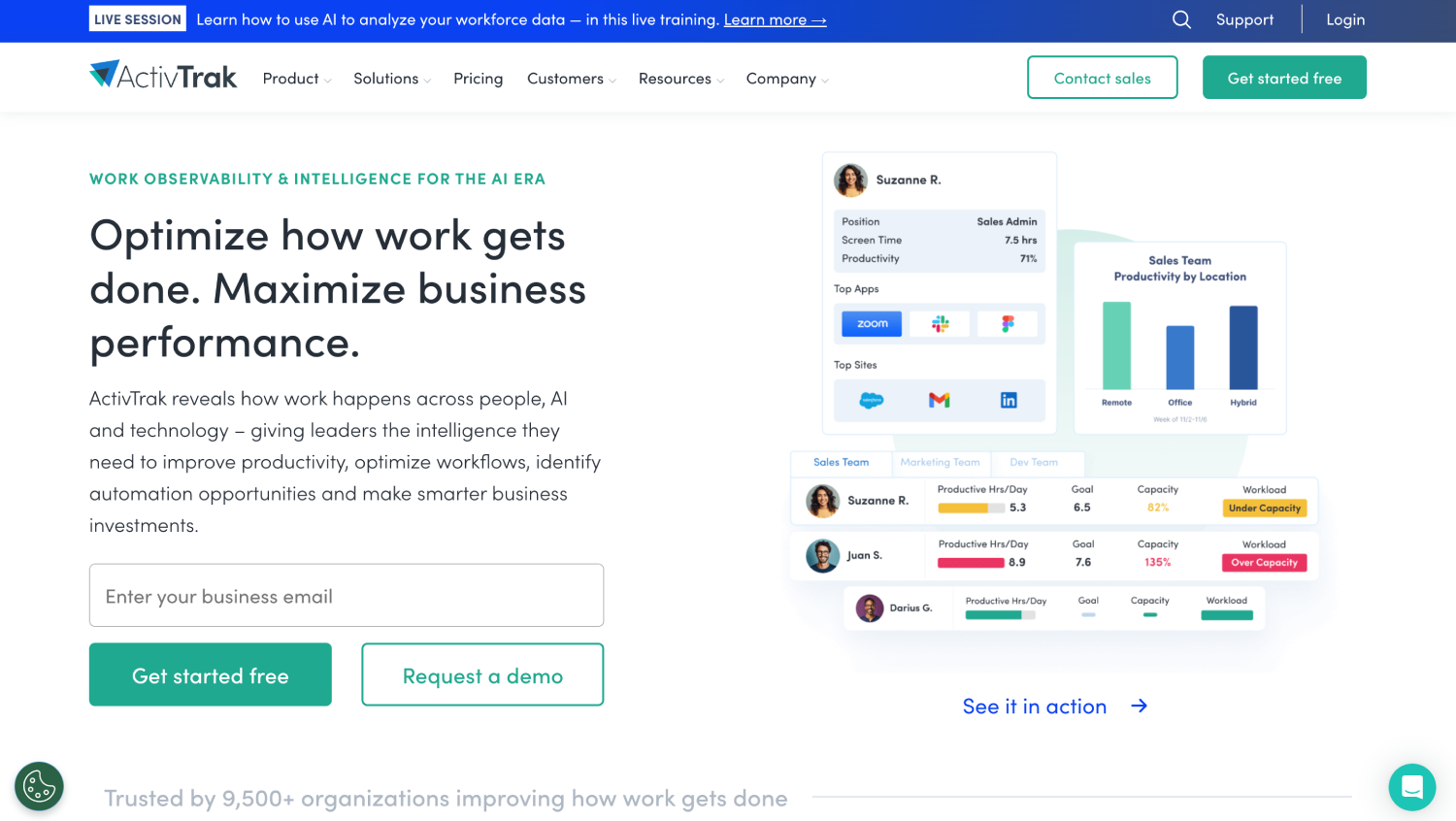
ActivTrak is primarily a workforce productivity monitoring platform that tracks application usage, active time, and task patterns at the endpoint level. It surfaces team-level productivity benchmarks and some collaboration patterns, but calling it an ONA platform would be generous. The network mapping capability is thin compared to Polinode or Humanyze.
ActivTrak belongs on this list because it appears in competitor comparisons for Humanyze and because some buyers discover it while looking for alternatives. The honest assessment: if your goal is ONA, ActivTrak is the wrong tool. It answers different questions, specifically around focus time, application switching, and productivity patterns rather than organizational network structure.
One legitimate use case exists for it here: organizations that want basic collaboration pattern data alongside productivity monitoring, and are not ready for the implementation complexity of a dedicated ONA platform. ActivTrak does publish pricing on its public pricing page , verify current tiers at activtrak.com/pricing before budgeting , making it the most price-transparent option in this group and a lower-risk entry point for teams with limited analytics budgets.
Buyers comparing ActivTrak to other workforce analytics tools should also review the broader question of where employee monitoring ends and workforce analytics begins, because the distinction matters for both employee trust and legal compliance.
Qualtrics XM: Survey-Based ONA for Organizations Already on the Platform
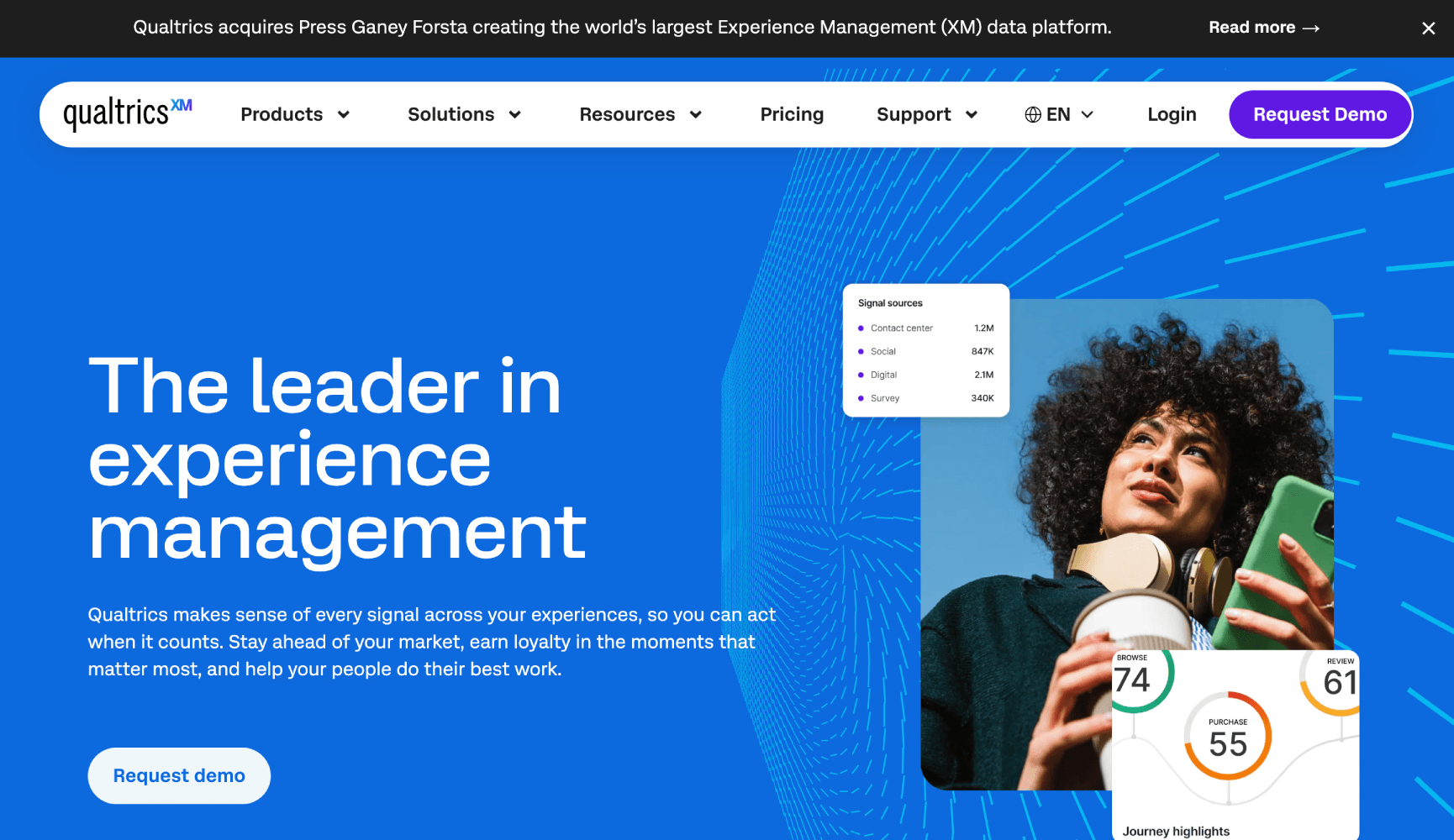
Qualtrics supports active ONA through its survey infrastructure. Organizations can deploy network surveys asking employees to identify who they go to for information, advice, or decision-making support, and Qualtrics can visualize those connections as network maps. This is the survey-based approach to ONA, which has a long track record in organizational behavior research.
The advantage of survey-based ONA is consent clarity. Employees explicitly provide the data, which simplifies legal review considerably compared to passive metadata collection. The disadvantage is response rates and recency. Network surveys capture a point-in-time snapshot based on self-reported behavior, which may differ from actual communication patterns, and running them frequently enough to track change is logistically demanding.
Qualtrics makes sense as an ONA solution only if your organization is already deeply invested in the platform for engagement, 360 feedback, or exit surveys. Adding ONA as an additional survey type in an existing Qualtrics environment has low incremental cost and high ease of adoption. Buying Qualtrics specifically for ONA when you do not already use it would be an expensive and overbuilt choice for this use case alone.
How Do These Alternatives Compare on Privacy and Compliance?
Privacy is not a secondary consideration in this category. It is often the primary one. Several EU jurisdictions require Works Council consultation or data protection impact assessments before deploying any tool that analyzes employee communication patterns, regardless of whether outputs are anonymized.
Survey-based ONA (Polinode active, Qualtrics) typically has the cleanest consent pathway because employees actively provide the data. Passive metadata collection (Viva Insights, Worklytics, Orgnostic’s collaboration connectors) requires more careful legal architecture, including data processor agreements and DPIA documentation under GDPR. Endpoint monitoring (ActivTrak) carries the most legal scrutiny and generally requires the most explicit notice and consent.
Humanyze’s badge sensor data sits in a category of its own. No software-only alternative replicates it, and no software-only alternative carries the same level of physical monitoring concern. Buyers leaving Humanyze specifically because of badge data concerns will find every alternative on this list meaningfully more defensible from a privacy standpoint.
Teams choosing a workforce analytics platform should apply the criteria covered in how to choose a workforce analytics platform, particularly the privacy and ONA evaluation sections, before finalizing any shortlist.
What Does ONA Software Actually Cost?
Every dedicated ONA platform in this category prices by quote. Polinode, Orgnostic, and Worklytics do not publish per-seat or per-module pricing publicly. Microsoft Viva Insights Advanced is bundled into Microsoft 365 enterprise licensing tiers, and the incremental cost depends on your existing Microsoft agreement. ActivTrak publishes starting prices on its public pricing page, making it the most price-transparent option in this group.
Expect dedicated ONA deployments to require a discovery phase, data integration work, and usually a pilot cohort before full rollout. The implementation effort is not trivial. For most mid-market organizations, budget planning should account for both license cost and internal analyst time to configure, validate, and interpret network outputs.
The hidden cost in this category is the people analytics capability needed to extract value from the data. A network map with no one qualified to interpret it produces no business outcome. Before buying any ONA platform, assess whether your team has the organizational network analysis skills to act on the output, or whether you will need external support. Consulting firms specializing in people analytics often support ONA program design as part of their engagement scope.
Frequently Asked Questions
What is organizational network analysis (ONA) and why do companies use it?
Organizational network analysis maps the informal communication and collaboration relationships within a company, as opposed to the formal hierarchy shown on an org chart. Companies use it to identify communication silos, find informal leaders whose influence is invisible in traditional HR data, assess the impact of reorganizations on information flow, and spot employees who carry a disproportionate collaboration burden and are flight risks. ONA is most valuable when a company suspects its formal structure does not reflect how work actually gets done.
How is Polinode different from Humanyze?
Polinode focuses on network visualization and analysis using survey data and digital communication metadata, without physical sensors. Humanyze’s original differentiator was the physical badge sensor layer, which captures face-to-face interaction patterns and physical proximity data that digital tools cannot see. For organizations that do not need physical interaction data, Polinode offers comparable depth in digital network mapping with a cleaner privacy architecture and no hardware deployment requirement.
Is Microsoft Viva Insights a real ONA tool or just a meeting analytics dashboard?
Viva Insights includes genuine network analysis features in its Advanced Insights tier, including cross-team collaboration mapping and network bridge identification. It is not as analytically deep as a dedicated ONA platform like Polinode, and its data coverage is limited to Microsoft 365 activity. For organizations that run primarily on Microsoft tools and need ONA as one capability among many, it is a practical and cost-efficient option. For organizations wanting advanced network science or multi-platform coverage, it falls short.
Can ONA tools be deployed in EU organizations subject to GDPR?
Yes, but with significant legal and governance requirements. Passive ONA tools that collect communication metadata require a Data Protection Impact Assessment under GDPR and typically require Works Council consultation in Germany, France, and the Netherlands. Survey-based ONA, where employees actively provide the network data, has a cleaner consent pathway and is generally easier to deploy in EU environments. Any tool that surfaces individual-level communication patterns to managers requires particularly careful legal review. Default to aggregate and anonymized outputs wherever possible.
What is the difference between active ONA and passive ONA?
Active ONA uses surveys to ask employees who they collaborate with, go to for advice, or depend on for information. Passive ONA derives network maps from digital communication metadata, such as email headers, calendar invites, and meeting attendance, without asking employees directly. Active ONA has clearer consent and captures relationships employees perceive as significant. Passive ONA captures actual behavior but raises greater privacy concerns and may miss relationships employees consider important but do not conduct digitally.
Do any ONA platforms integrate with Workday or SAP SuccessFactors?
Orgnostic integrates with major HRIS platforms including Workday and BambooHR, which is part of its value proposition as an analytics layer that overlays network data on top of HRIS records. Polinode can ingest HRIS-derived org structure data to contextualize network maps. Microsoft Viva Insights connects to Azure Active Directory, which is typically synchronized with HRIS data in enterprise environments. Direct two-way HRIS integration at the level you would expect from a native HCM module is not standard across this category.
Is there a free ONA tool available?
No fully featured ONA platform is free for enterprise use. Polinode offers a limited free tier for small-scale network analysis , the constraints make it unsuitable for enterprise deployment, but it is useful for piloting the methodology before committing to a paid license. Microsoft Viva Insights includes basic personal insights as part of standard Microsoft 365 licenses, but the organizational-level network analysis features require the Advanced Insights premium add-on. All other dedicated ONA platforms in this category are paid products with quote-based pricing.
Which Humanyze Alternative Should You Actually Choose?
The decision comes down to three questions. Do you need physical interaction data, or is digital-only sufficient? Do you need standalone ONA depth, or do you need ONA as part of a broader people analytics investment? And what privacy architecture will your legal team actually approve?
If you need depth in digital ONA with a clean privacy story and EU compatibility, Polinode is the strongest direct replacement for Humanyze’s network analysis capability. If you need ONA embedded in a broader people analytics layer alongside HRIS data, Orgnostic is the better choice. If your organization runs entirely on Microsoft 365 and you want low implementation friction, Viva Insights Advanced is the most practical path. Engineering-focused organizations should look at Worklytics before anything else.
ActivTrak and Qualtrics are situational. ActivTrak works for buyers who want basic collaboration signals alongside productivity monitoring but should not be bought as a primary ONA solution. Qualtrics makes sense only if you are already running significant survey programs on the platform. Nobody should buy Qualtrics specifically for ONA from scratch.
If you are still early in scoping your people analytics investment and unsure whether ONA belongs on your roadmap at all, the guide to choosing a people analytics platform is worth reading before you commit to any shortlist. And if you want a structured vendor evaluation process, the AI HR vendor evaluation checklist covers the governance and data questions that matter most in this category.