
- Most Workday go-live failures trace back to adoption gaps, not configuration errors. Employees submit tickets, call HR, or give up entirely because the interface is unfamiliar and no one is there to guide them.
- Training decks and LMS courses solve the wrong problem. In-app guidance meets users at the moment they are actually confused, inside the application, on the task they are trying to complete.
- The five digital adoption platforms evaluated here all work natively inside Workday: Whatfix, WalkMe, Pendo, Spekit, and AppLearn Adopt. Each has a different sweet spot by company size, IT maturity, and use case depth.
- Self-service deflection and ticket volume reduction are the primary ROI levers. Click path analytics and onboarding flows are secondary wins. Pick a DAP based on which problem is most urgent post-go-live.
- WalkMe is the market incumbent but not automatically the right call. Two of the vendors below deliver comparable guidance capabilities at lower total cost and faster time to value.
The best digital adoption platforms for Workday are Whatfix, Pendo, WalkMe, Spekit, and AppLearn Adopt. Whatfix leads for mid-market teams wanting fast deployment and measurable ticket deflection. Pendo adds product analytics depth that none of the others match. WalkMe suits large enterprise rollouts with complex change programs. Spekit works best as an in-flow knowledge layer for smaller Workday footprints. AppLearn Adopt suits European enterprises with strict data governance requirements. Evaluating a digital adoption platform for Workday requires looking beyond feature lists to integration depth, authoring burden, and realistic time to value.
Why Workday Adoption Fails After Go-Live (and Why Training Alone Will Not Fix It)
Workday is a powerful and genuinely complex system. The configuration depth that makes it so valuable to large organizations is the same thing that makes casual self-service difficult for the average employee. Benefits enrollment, time-off requests, manager approvals, performance reviews: every one of these tasks has a click path that is non-obvious the first time and easily forgotten by the second quarter.
Most implementation teams respond with documentation: PDF guides, recorded walkthroughs, a SharePoint wiki that nobody reads after month three. The problem is that documentation requires the user to leave Workday, search for the right guide, read it, and return. By step two, most employees have already submitted a ticket to HR Shared Services instead.
A digital adoption platform embeds guidance directly inside the Workday interface. When an employee opens the Time Off module to request a leave of absence, a tooltip, a smart tip, or a full walkthrough appears contextually, without them having to go anywhere. The support call never happens because the question never forms. This is the structural difference between a training program and a product-layer solution, and it is why organizations that deploy a DAP alongside their Workday go-live consistently report lower post-launch ticket volumes than those that rely on change management alone.
If you are still in the implementation phase and evaluating the broader partner network, the best Workday consulting firms can advise on DAP integration as part of a full deployment plan.
What Should You Evaluate in a Digital Adoption Platform for Workday?
Not all DAPs integrate with Workday equally. Some use browser extensions and overlay any web application; others have purpose-built Workday connectors that recognize UI elements without breaking when Workday updates its interface. That technical distinction matters more than any feature list.
Before requesting demos, evaluate vendors against these five criteria:
- Workday UI recognition: Does the platform identify Workday UI elements natively, or does it rely on fragile CSS selectors that break with every Workday release? Ask specifically how each vendor handles Workday’s regular update cycle.
- Content authoring speed: Who builds the walkthroughs and tooltips? If it requires a developer, the content backlog will pile up. The best DAPs allow HR operations teams to author and publish content without IT involvement.
- Analytics depth: Click path analytics, task completion rates, and drop-off points tell you where adoption is failing. A DAP with no analytics is just a tooltip engine with no ROI measurement.
- Self-service deflection: Does the platform surface relevant help content before users escalate to a ticket? Some DAPs integrate with your HR service desk to measure deflection directly.
- Total cost of ownership: Licensing is the visible line. Implementation services, content authoring time, and ongoing maintenance are not. Most enterprise DAPs are quote-only; get a full TCO estimate, not just a per-seat number.
The 5 Best Digital Adoption Platforms for Workday
| Platform | Best For | Workday Integration | Authoring Ease | Analytics Depth | Pricing Model |
|---|---|---|---|---|---|
| Whatfix | Mid-market, post-go-live deflection | Native connector | High (no-code) | Strong | Quote-based |
| Pendo | Analytics-led adoption teams | Overlay (web-based) | Moderate | Best in class | Quote-based |
| WalkMe | Large enterprise change programs | Native + deep API | Moderate | Very strong | Quote-based |
| Spekit | Smaller Workday deployments, knowledge layer | Browser extension | Very high | Basic | Quote-based |
| AppLearn Adopt | European enterprise, data governance | Native connector | Moderate | Strong | Quote-based |
1. Whatfix: Best Digital Adoption Platform for Workday Mid-Market Go-Lives
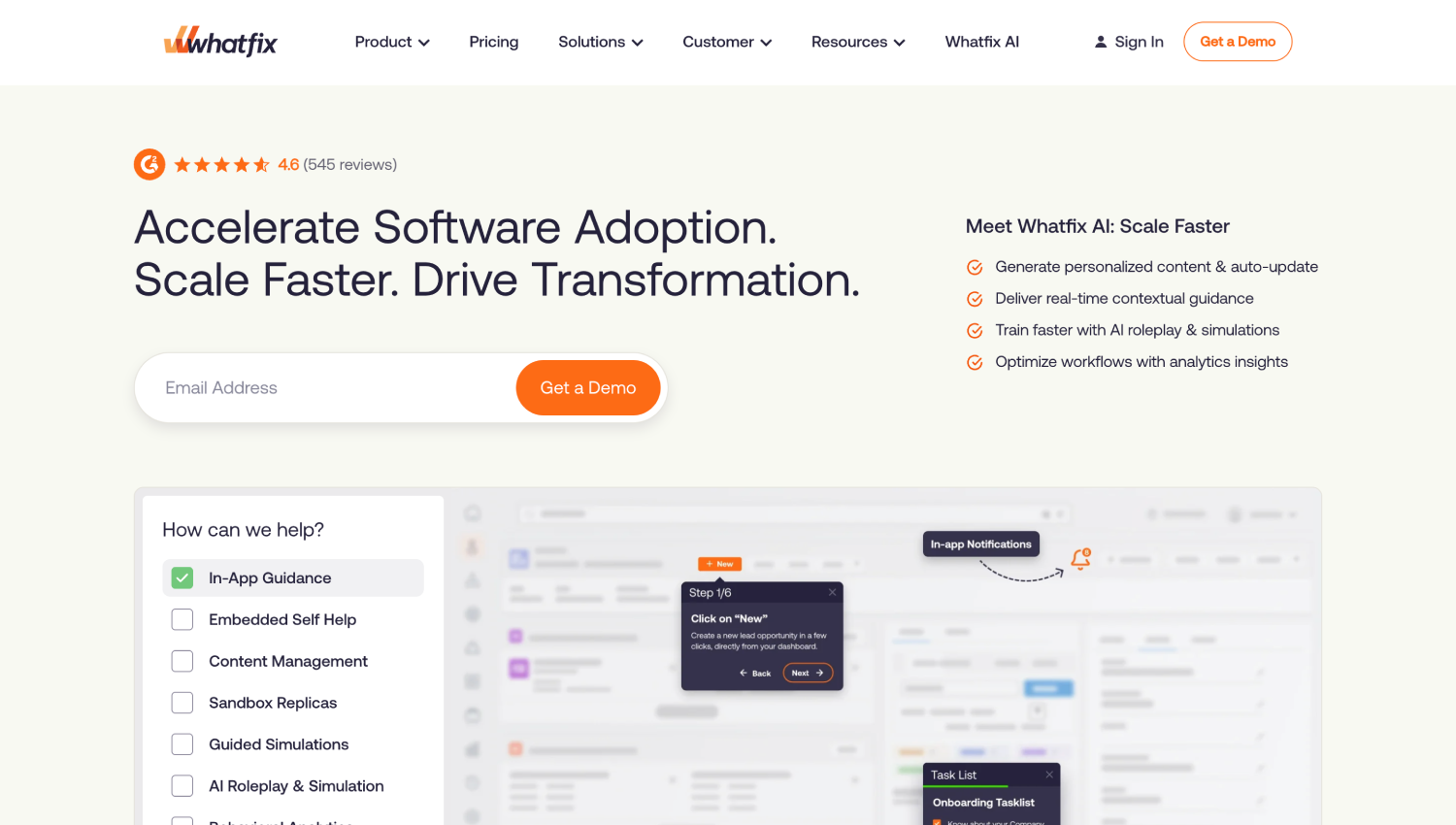
Whatfix has built its Workday reputation on two things: a no-code content studio that HR operations teams can actually use without developer support, and a dedicated Workday connector that survives platform updates without breaking flows. For a 500 to 2,000 employee company that has just gone live and is watching its HR help desk queue grow, Whatfix is the most direct path to measurable deflection.
The platform supports walkthroughs, smart tips, pop-ups, task lists, and a self-help widget that surfaces relevant content contextually inside Workday. The analytics layer tracks task completion and drop-off at a granular level, so you can identify exactly which Workday process is generating the most support tickets and prioritize your content build accordingly. Whatfix also integrates with ServiceNow and Zendesk, which means you can close the loop between in-app help and your ticketing data.
One honest limitation: Whatfix’s enterprise-grade analytics are not as deep as Pendo’s, and its change enablement methodology is thinner than WalkMe’s. For a mid-market team focused on go-live support and self-service deflection, neither gap is material. For a large enterprise running a multi-year change program across Workday HCM, Financials, and Recruiting simultaneously, it may be.
Pricing is quote-based. Whatfix does not publish per-seat rates publicly. Expect negotiation based on employee count, module scope, and contract length.
2. Pendo: Best for Data-Led Workday Adoption Teams
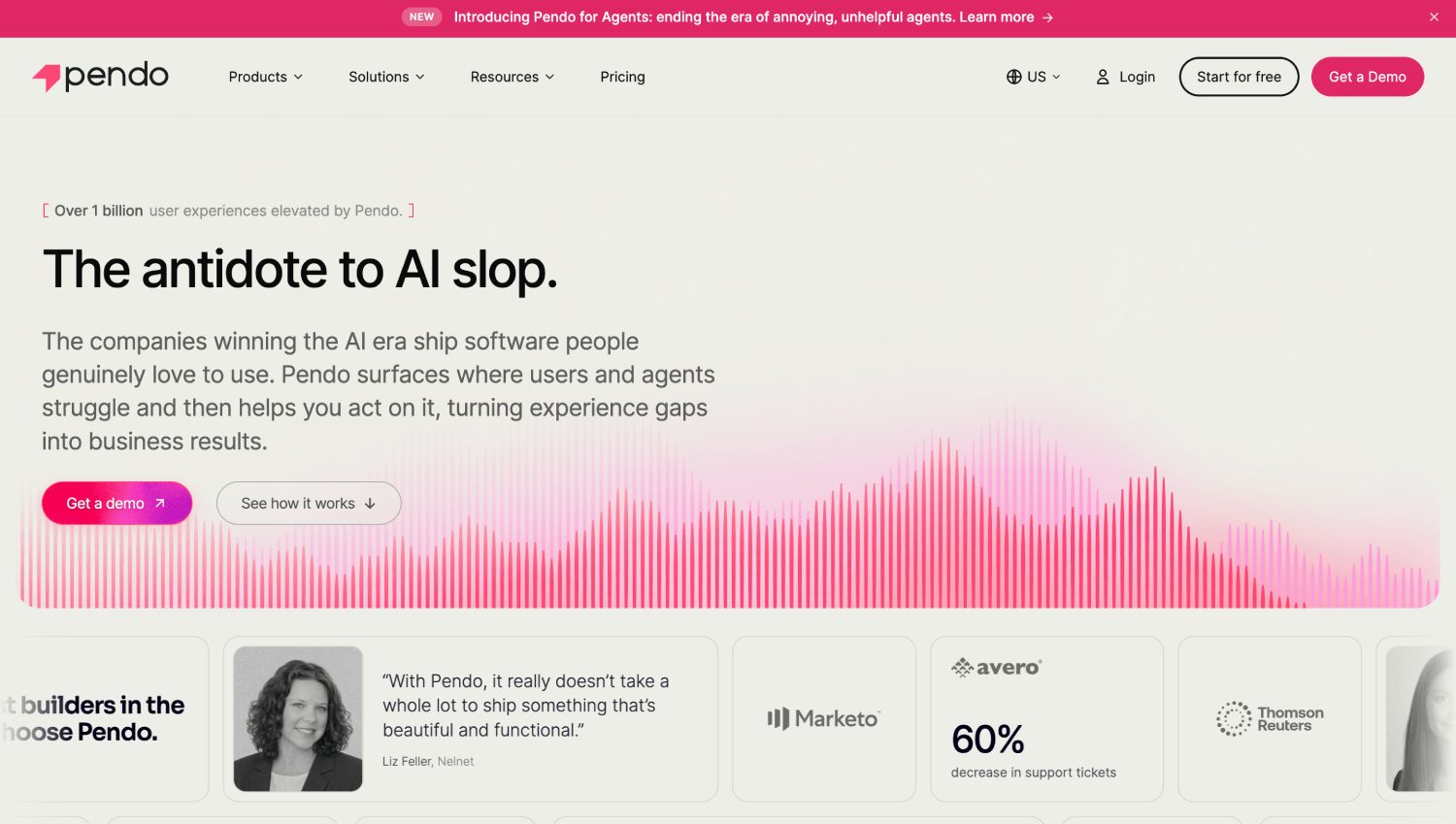
Pendo started as a product analytics platform for SaaS companies and has expanded into digital adoption for enterprise applications including Workday. Its differentiation is analytics depth: no other platform on this list gives you the same behavioral visibility into how your employee population moves through Workday at the session and feature level.
Where Whatfix and WalkMe are primarily guidance-first tools that added analytics, Pendo is analytics-first with guidance layered on top. That inversion matters operationally. Pendo’s funnel analysis and retention reports let you see which user cohorts are completing Workday self-service tasks successfully and which are dropping off before completion, before you invest time building walkthroughs. You target your content investment where the data says it is needed, rather than guessing.
The honest limitation is that Pendo’s Workday integration is overlay-based rather than purpose-built. It works reliably on the web version of Workday but requires more configuration work than Whatfix or WalkMe’s native connectors. For an HR ops team without a dedicated technical resource, that implementation lift is a genuine friction point. Pendo is the right call when your team has the analytical appetite to use the data and the technical capacity to configure the integration properly.
Pricing is quote-based. Pendo’s public pricing page lists a free tier for product teams, but enterprise DAP deployments for Workday are always custom-quoted.
3. WalkMe: Best for Enterprise-Scale Workday Change Enablement
WalkMe is the market incumbent in digital adoption and has the deepest Workday integration of any platform on this list. It holds a co-sell relationship with Workday and is frequently recommended by Workday implementation partners as the default DAP choice for large enterprise deployments. That positioning is real and it matters: WalkMe content is less likely to break during a Workday update because the vendor actively tracks UI changes in coordination with Workday’s release cycles.
The WalkMe platform goes well beyond tooltips and walkthroughs. Its Workday-specific capabilities include smart walk-thrus that adapt based on user role and task context, automation of repetitive click paths, and an analytics suite called Insights that tracks behavioral data across your entire Workday population. For a 5,000-person organization rolling out Workday globally with a formal change enablement program, WalkMe’s depth is appropriate to the complexity.
The trade-off is cost and implementation time. WalkMe is among the most expensive DAPs on this list, and its content authoring environment has a steeper learning curve than Whatfix or Spekit. You will likely need a dedicated WalkMe administrator or a partner firm to maintain your content library at scale. SAP acquired WalkMe; buyers should ask directly during vendor conversations about how that has affected product roadmap, support structure, and account management.
All pricing is quote-based. WalkMe does not publish list rates.
4. Spekit: Best In-App Knowledge Layer for Smaller Workday Footprints
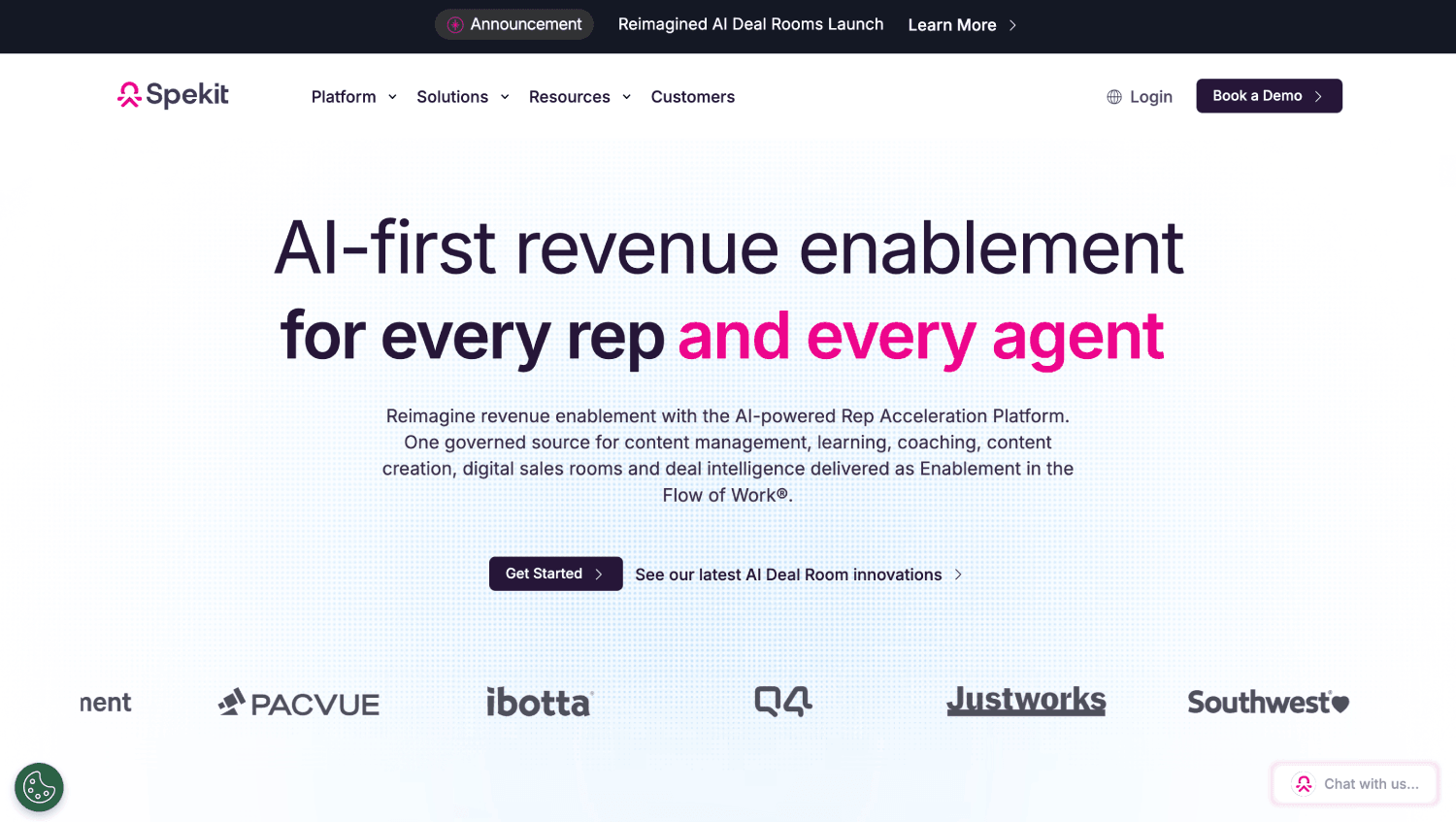
Spekit takes a different architectural approach from the other platforms on this list. Rather than building traditional walkthroughs and guided tours, Spekit positions itself as a real-time knowledge layer that surfaces contextual definitions, process guidance, and policy information at the exact moment an employee encounters an unfamiliar field or workflow inside Workday.
The authoring experience is the fastest of any platform here. HR operations teams can create and publish in-app content without touching code, and the browser extension deployment means there is no enterprise IT ticket required to start. For a company with 200 to 800 employees on Workday, Spekit can deliver meaningful self-service deflection within weeks of purchase, not months.
The ceiling is real, though. Spekit’s analytics are basic compared to Pendo or WalkMe. It does not support the kind of complex, multi-step guided walkthroughs that WalkMe handles well. For organizations with a large and varied Workday configuration, a high volume of new hires, or a formal change enablement program, Spekit will feel thin. Its value is speed and simplicity, not depth. If your primary goal is reducing first-90-day support tickets without a long implementation cycle, it earns its place.
5. AppLearn Adopt: Best Digital Adoption Platform for European Workday Deployments
AppLearn Adopt is a UK-headquartered digital adoption platform with strong traction among European enterprises running Workday. Its primary differentiator is data governance: AppLearn processes and stores behavioral analytics data within European infrastructure, which simplifies GDPR compliance in a way that US-headquartered DAPs require more contractual scaffolding to achieve.
The platform supports the core DAP feature set: walkthroughs, tooltips, task lists, and a self-help panel inside Workday. Its Workday connector is purpose-built and handles Workday’s update cycle reliably. AppLearn’s analytics are solid without being Pendo-level, and the authoring environment sits between Spekit’s simplicity and WalkMe’s complexity.
For US-headquartered organizations, AppLearn is rarely the first choice because its sales presence and partner network in North America are thinner than Whatfix or WalkMe. For a multinational with a significant European headcount running Workday, the data residency story is a genuine differentiator worth the conversation. All pricing is quote-based and regional.
How Do These Platforms Reduce Workday Support Tickets After Go-Live?
The ticket reduction mechanism is straightforward: a DAP intercepts the moment of confusion before it becomes a support request. An employee who cannot figure out how to add a dependent during open enrollment would normally email HR or call the help desk. With a DAP in place, a contextual tooltip or walkthrough answers the question inside Workday, and the ticket never gets created.
The measurable impact varies by deployment quality, not platform. A well-configured Whatfix deployment with walkthroughs covering the top 10 high-ticket Workday processes will outperform a poorly-configured WalkMe deployment with incomplete content. The analytics layer is what makes deflection measurable: click path data shows you which processes users abandon, and task completion rates tell you whether the guidance is actually working.
Organizations that pair a DAP with a Workday Managed Services provider to handle ongoing configuration typically see faster time-to-deflection than those managing both independently. The top Workday Managed Services providers can advise on which DAP integrations their teams support operationally.
The relationship between DAP investment and HR service delivery cost is also relevant context. If you are evaluating the full scope of what AI and automation can do for HR service delivery cost reduction, the breakdown of what AI agents can automate in HR service delivery provides useful framing for where DAPs fit in the broader stack.
Which Digital Adoption Platforms Integrate Natively with Workday?
Native integration means the DAP recognizes Workday’s UI elements reliably across Workday releases, without requiring manual reconfiguration every time Workday pushes an update. Whatfix, WalkMe, and AppLearn Adopt all have purpose-built Workday connectors that meet this definition. Pendo works reliably via its standard web overlay but requires more configuration maintenance when Workday’s UI changes. Spekit operates via a browser extension, which gives it broad compatibility but limits its ability to recognize Workday-specific UI components at the same granularity.
During your vendor evaluation, ask each platform specifically: how do you handle Workday’s biannual feature releases? What is your documented process when a Workday UI update breaks existing walkthroughs? The answer to that question separates platforms that have actually invested in Workday compatibility from those that claim compatibility in their marketing copy.
What Does a Workday DAP Implementation Actually Involve?
Most buyers underestimate the content authoring investment required after purchase. The software is the smaller part of the problem. Building a library of walkthroughs, tooltips, and onboarding flows that cover your specific Workday configuration, your organization’s terminology, and your employee population’s actual workflows takes real time and iteration.
A realistic implementation timeline for a mid-market Workday deployment looks like this:
- Weeks 1 to 2: Technical deployment and Workday connector configuration.
- Weeks 3 to 6: Content authoring for the top 10 to 15 high-ticket Workday processes (benefits, time-off, performance review, onboarding flows).
- Weeks 7 to 10: Pilot deployment with a subset of users, analytics review, content refinement.
- Month 3 onwards: Ongoing content maintenance, new process coverage, analytics-driven prioritization.
Vendors that promise significant time to value without this kind of structured content buildout are not being honest with you. The platforms differ in how much they accelerate the authoring phase, not whether the authoring phase exists.
If you are running a broader Workday implementation and want a comprehensive checklist for what you should have in place before and after go-live, the HR software implementation checklist covers data migration, integrations, permissions, and rollout planning in full.
DAP vs HR Chatbot: Are These the Same Thing?
No, and conflating them leads to purchasing mistakes. A digital adoption platform operates inside the Workday interface and guides users through tasks visually, via walkthroughs, tooltips, and smart tips. An HR chatbot typically lives outside the core application and answers questions in a conversational interface, either in a separate widget, in Slack, or in Microsoft Teams.
The two tools address adjacent but different failure modes. A DAP prevents the moment of confusion during a task. An HR chatbot answers questions that arise outside of a task context, such as “when does open enrollment start?” or “how many PTO days do I have left?” Many organizations deploy both. A DAP handles in-application guidance; a chatbot handles general HR question-answering from wherever the employee happens to be.
If you are evaluating both categories simultaneously, the best AI HR chatbots for employee support covers that vendor category separately.
Frequently Asked Questions: Digital Adoption Platforms for Workday
What is a digital adoption platform for Workday and how does it work?
A digital adoption platform for Workday is a software layer that sits on top of the Workday interface and delivers in-app guidance to employees in real time. It uses walkthroughs, tooltips, task lists, and self-help widgets to guide users through Workday processes without requiring them to leave the application. The goal is to reduce support tickets, increase self-service completion rates, and lower the cost of post-go-live change management. Most Workday DAPs deploy via a browser extension or a purpose-built Workday connector.
Which digital adoption platform is best for Workday?
Whatfix is the best digital adoption platform for most mid-market Workday deployments because it combines a native Workday connector, no-code content authoring, and solid analytics at a price point that is more accessible than WalkMe. WalkMe is the better choice for large enterprises running complex, multi-module Workday programs where partner depth and established implementation relationships matter. Pendo leads on analytics if your team is data-oriented and has the technical resources to configure the integration properly.
How much do digital adoption platforms for Workday cost?
All five platforms covered here are quote-based and do not publish standard per-seat pricing. Cost drivers include employee count, number of Workday modules covered, contract length, and whether you include implementation services. Mid-market deals typically range from the low tens of thousands to several hundred thousand dollars annually depending on scope. Request a full total cost of ownership estimate that includes content authoring services and ongoing support, not just software licensing, before comparing quotes.
Can a DAP reduce Workday support tickets?
Yes, consistently and measurably. The mechanism is self-service deflection: the DAP answers the user’s question inside Workday before it becomes a ticket. The degree of reduction depends on content coverage quality and the ticket volume of the specific processes you prioritize. Organizations that focus their initial content build on the five to ten highest-ticket Workday processes typically see the fastest deflection impact. Analytics from the DAP quantify which processes still generate tickets, enabling ongoing prioritization.
What is the difference between WalkMe and Whatfix for Workday?
WalkMe has a deeper Workday integration history, a more established implementation partner network, and stronger enterprise change enablement methodology. Whatfix has faster content authoring, a lower implementation burden, and a better fit for mid-market organizations that need to move quickly post-go-live. WalkMe’s total cost is generally higher. If you are running Workday at 3,000 or more employees with a dedicated HR technology team, WalkMe’s depth is appropriate. Below that scale, Whatfix typically delivers faster time to value at lower cost.
Does Workday have its own built-in digital adoption tool?
Workday offers some native help and guidance features, including its Help worklet, contextual help text, and Workday Learning integration. These are not a substitute for a dedicated DAP. Native Workday help is static and requires employees to seek it out. A DAP delivers contextual, role-specific guidance proactively at the point of need, tracks task completion behavior, and surfaces help content before users escalate to a ticket. The two approaches are complementary, not interchangeable.
How long does it take to implement a DAP for Workday?
Technical deployment is typically two to four weeks. Building enough content to meaningfully reduce ticket volume takes six to ten weeks of active authoring work. Most organizations reach a usable content library covering their top processes within three months of purchase. Time to value depends more on your internal content authoring capacity than on the platform itself. Vendors that offer implementation services or managed content authoring can compress this timeline, but at additional cost.
How to Choose Between These Five Platforms
Start with implementation reality, not feature lists. Ask which platform your HR operations team can actually maintain without constant IT involvement. If the answer is uncertain, Whatfix and Spekit are the lowest-friction options. If you have a dedicated HR technology team and an enterprise-scale Workday deployment, WalkMe’s depth is worth the investment.
Next, get honest about your analytics appetite. If your team will actually use click path data, funnel analysis, and task completion dashboards to drive ongoing content decisions, Pendo’s analytics advantage is real and worth paying for. If analytics will collect dust while your team focuses on keeping content current, Pendo’s overhead is not justified.
The change enablement question is the final filter. A DAP is not a substitute for a change management strategy; it is a delivery mechanism for one. The organizations that extract the most value from these platforms treat the DAP as part of a broader HCM change management program, not as a standalone purchase. Buy the platform that your implementation approach supports, not the one with the longest feature list.
WalkMe, Whatfix, Pendo, Spekit, and AppLearn Adopt all solve the same fundamental problem: employees do not use Workday well because nobody is there to guide them at the moment they need it. The platform choice is secondary to the commitment to build, maintain, and iterate on guidance content over time. A modest tool used well will outperform a sophisticated one left unattended.