
TLDR
- ACA reporting is not a once-a-year form your payroll provider handles in the background. Measurement-period tracking, offer documentation, and affordability calculations run year-round and require dedicated tooling or a full-service filer.
- The IRS penalty exposure under Section 4980H can reach thousands of dollars per employee per year. Getting your full-time equivalent counts or affordability safe harbor wrong costs more than any software subscription.
- Payroll platforms like ADP, Paychex, and UKG include ACA modules, but most require significant configuration to track variable-hour employees correctly. Standalone tools and managed filing services cover gaps that payroll checkboxes miss.
- The right tool depends on whether you need software you control, a managed service that files on your behalf, or an HRIS that bakes ACA compliance into benefits administration.
- Multi-state employers with variable-hour or seasonal workforces face the highest penalty risk and need the most granular measurement-period tracking.
The best ACA reporting software for most mid-market employers is either ADP Workforce Now (for companies already on ADP payroll), Trusaic ACA Complete (for dedicated compliance without switching HRIS), or Benefitfocus (for employers who want ACA wrapped inside a benefits administration platform). Standalone managed filing services like Integrity Data or Equifax Workforce Solutions make sense when your HRIS lacks reliable measurement-period logic or when you want a third-party filer to own IRS submission liability.
Why Is ACA Reporting More Complicated Than Your Payroll Provider Implies?
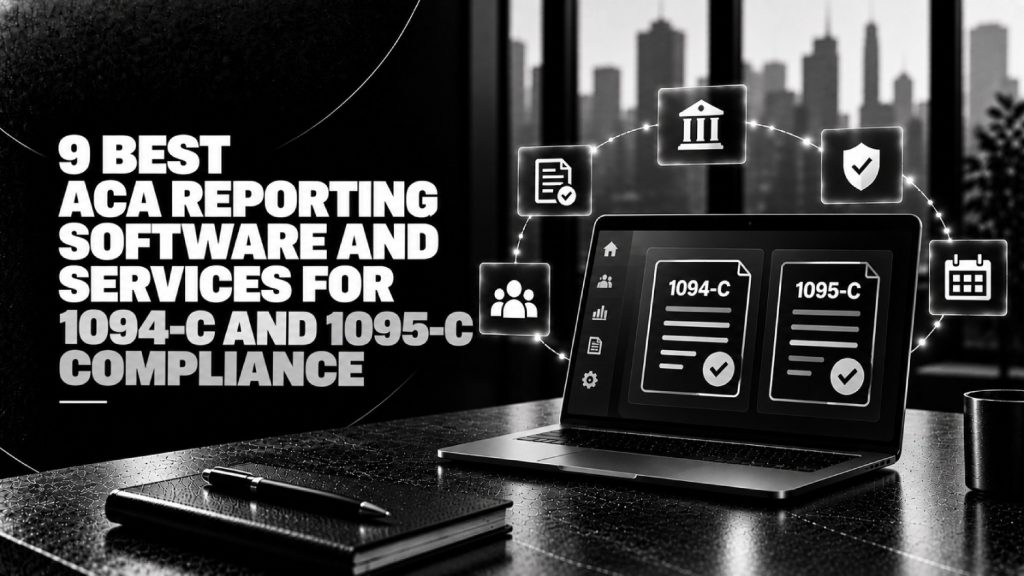
Most payroll providers market ACA as a feature. In practice, it is closer to a separate compliance discipline. The Affordable Care Act requires applicable large employers (ALEs) with 50 or more full-time equivalent employees to file Form 1094-C (the employer transmittal) and Form 1095-C (one per employee) with the IRS each year, plus distribute employee copies by the January 31 deadline.
The filing itself is the easy part. The hard part is the continuous tracking underneath it: measurement periods to determine full-time status for variable-hour workers, administrative periods before coverage must begin, stability periods during which status is locked, and affordability calculations tied to the federal poverty line, W-2 wages, or rate-of-pay safe harbors. A payroll provider that checks an “ACA” box in its feature list will usually handle the filing. It may not accurately track whether a part-time employee crossed the 30-hours-per-week threshold during the correct measurement window.
That gap is where penalties accumulate. Under Section 4980H(a), an ALE that fails to offer minimum essential coverage to at least 95% of full-time employees can face annual penalties if any employee receives a premium tax credit. Under Section 4980H(b), offering coverage that is unaffordable or inadequate triggers a per-employee penalty for those who receive a subsidy. These are not trivial numbers, and the IRS has accelerated enforcement in recent years. Getting the measurement periods wrong is the most common cause of both failures.
What Is the Difference Between Form 1094-C and Form 1095-C?
| Form | Purpose | Filed With | Distributed To | Who Needs It |
|---|---|---|---|---|
| 1094-C | Employer transmittal summarizing offer-of-coverage information for the company | IRS only | Nobody (employer retains) | Every ALE filing 1095-Cs |
| 1095-C | Employee-level record of offer, coverage, and affordability month by month | IRS (with 1094-C) | Each full-time employee | Every ALE; one form per FT employee |
The 1094-C is the cover sheet. It tells the IRS how many 1095-Cs you are submitting and certifies your method of offer. The 1095-C is where the actual compliance data lives: Line 14 (the offer code), Line 15 (the employee cost for the lowest-cost self-only minimum value plan), and Line 16 (the safe harbor or exemption code). Errors on Lines 14 through 16 are the most common cause of IRS penalty notices, and they originate in bad measurement-period tracking, not bad filing mechanics.
Which Employers Actually Need Dedicated ACA Reporting Software?
If you have a simple workforce, one state, and all employees are clearly full-time with no variable hours, your payroll provider’s built-in ACA module is probably sufficient. Most companies are not that simple.
You need dedicated software or a managed service if any of the following apply: you employ variable-hour, seasonal, or part-time workers who may cross 30 hours per week; you operate in multiple states with different payroll frequencies or benefits eligibility rules; you self-insure; you are a staffing firm or have a significant contingent workforce; you have multiple EINs under a controlled group; or you have experienced an IRS Letter 226-J penalty notice before. Multi-state employers in particular face compounding complexity because workforce data often lives across multiple systems.
The 9 Best ACA Reporting Software and Services
1. Trusaic ACA Complete
Trusaic is the strongest dedicated ACA compliance platform for mid-market employers who want ongoing monitoring rather than annual filing. Its measurement-period tracking engine runs continuously, flagging employees who are approaching full-time status before they cross the threshold rather than after the fact. That proactive alert capability is what separates it from payroll-attached modules.
Trusaic handles IRS electronic filing, employee distribution, and penalty response support. It integrates with most major HRIS and payroll platforms including ADP, Workday, UKG, and Ceridian Dayforce. Pricing is quote-based and scales with employee count. Trusaic’s data science foundation , the same analytical depth that informed its pay equity work prior to the Syndio acquisition of that practice , gives it above-average capability for employers who also want to model affordability scenarios across workforce segments.
Best for: Mid-market employers (300 to 5,000 employees) with variable-hour workers or prior IRS notices who want a dedicated compliance layer on top of an existing HRIS.
2. ADP Workforce Now ACA Module
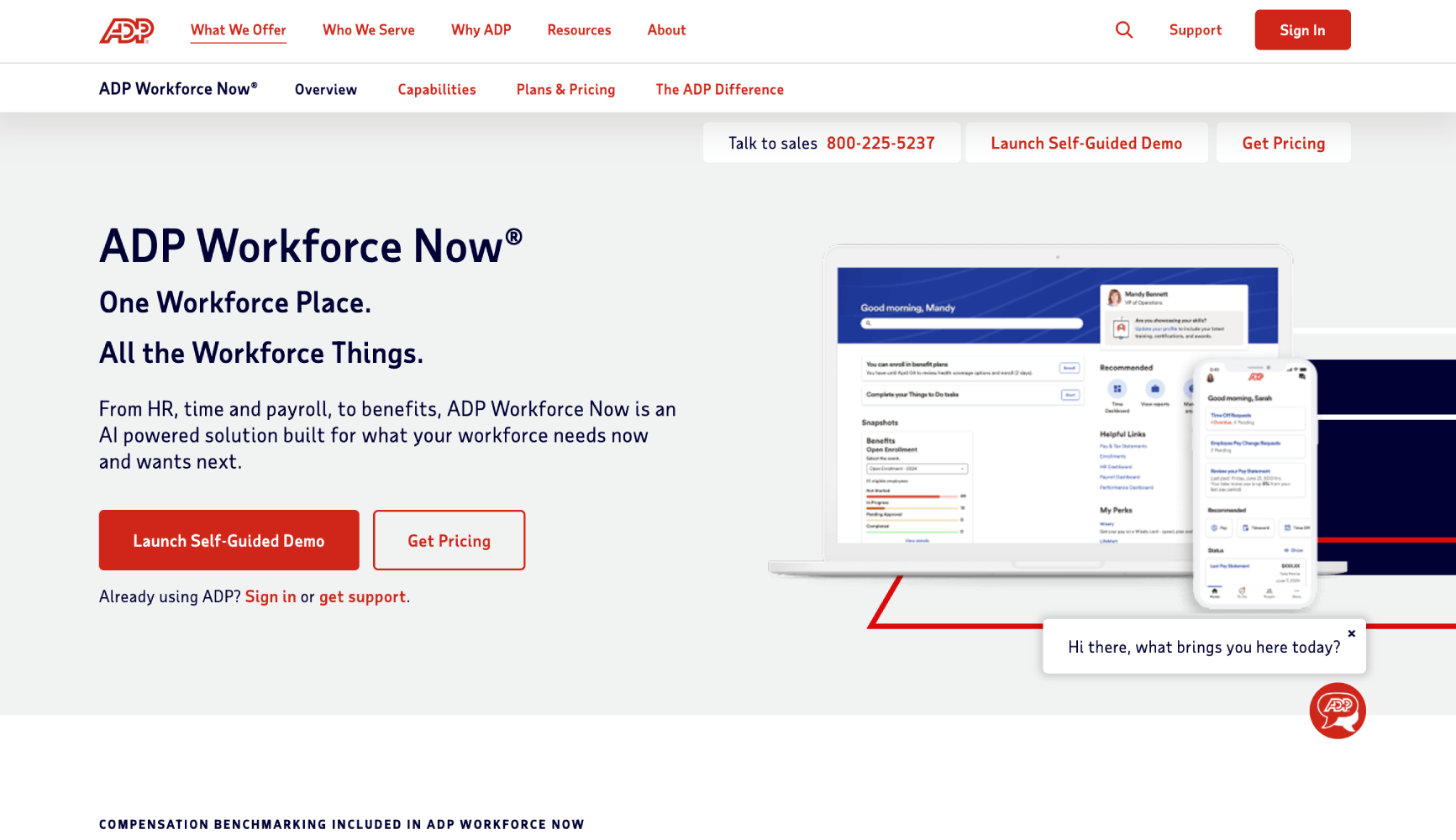
ADP Workforce Now includes an ACA compliance module that is genuinely capable for employers who already run payroll through ADP. The measurement-period tracking pulls directly from payroll data, which eliminates the data-sync problems that plague standalone tools. ADP also offers ACA filing as a managed service add-on, where ADP employees prepare and submit the 1094-C and 1095-Cs on your behalf.
The weakness is configuration. Getting variable-hour tracking right in ADP Workforce Now requires careful setup of measurement periods, administrative periods, and stability periods. Out of the box, it does not automatically configure the look-back measurement method for new hires. You or your implementation partner needs to set this up correctly, and many companies do not. If you are on ADP payroll and have not reviewed your ACA configuration recently, that is worth doing before the next filing cycle.
Best for: Employers already on ADP Workforce Now with a benefits admin or HR team that has time to configure and maintain measurement periods. The managed filing add-on is worth adding for anyone without a dedicated ACA analyst.
3. Benefitfocus ACA Management
Benefitfocus positions ACA compliance inside a broader benefits administration platform. For employers who want ACA tracking, enrollment, and 1095-C production managed through a single system, this integration is genuinely useful. The platform pulls enrollment data directly, which reduces the reconciliation work that causes errors when ACA data lives in a separate system from benefits data.
Benefitfocus is strong for mid-market employers with complex benefits programs because it handles ACA alongside open enrollment, carrier EDI feeds, and COBRA administration. The ACA module tracks measurement periods and generates 1095-Cs from enrollment records, which is more reliable than generating them from payroll records alone. Pricing is quote-based.
Best for: Mid-market employers (500 to 5,000 employees) who want benefits administration and ACA compliance in one platform and are not already committed to a standalone HRIS. See our best benefits administration software for US mid-market companies comparison for broader context on this category.
4. Integrity Data ACA Compliance
Integrity Data is a Microsoft Dynamics-native ACA compliance solution with a full managed filing service option. It is the strongest choice for companies running Microsoft Dynamics 365 or Business Central for payroll or HR, where most other ACA tools have weak or nonexistent integrations.
The platform handles measurement-period tracking, affordability calculations, 1095-C production, and IRS electronic filing. Integrity Data’s managed service option is notable because the company will handle the IRS submission directly and maintain audit documentation. For employers who have had a Letter 226-J penalty notice or are in a high-audit-risk industry, having a named third-party filer with documented processes matters.
Best for: Microsoft Dynamics shops and any employer who has received an IRS ACA penalty notice and needs a managed filer who will own the submission.
5. Equifax Workforce Solutions ACA Reporting
Equifax Workforce Solutions offers ACA filing as part of its broader HR services portfolio, which also covers I-9 management, employment verification, and tax credits. The ACA service is a full managed offering: Equifax collects your workforce data, runs the 1094-C and 1095-C preparation, handles IRS e-filing, and manages employee distribution.
The strength here is data handling at scale. Equifax has the infrastructure to process large, complex employee populations with multiple EINs or controlled group structures. The trade-off is that it is a managed service, not software you configure yourself, so you are dependent on Equifax’s data collection process and timelines. Pricing is quote-based and typically makes more economic sense above 1,000 employees.
Best for: Large employers (1,000 or more employees) with multiple EINs, controlled group structures, or self-insured plans who want to hand off ACA filing entirely.
6. Paychex Flex ACA Reporting
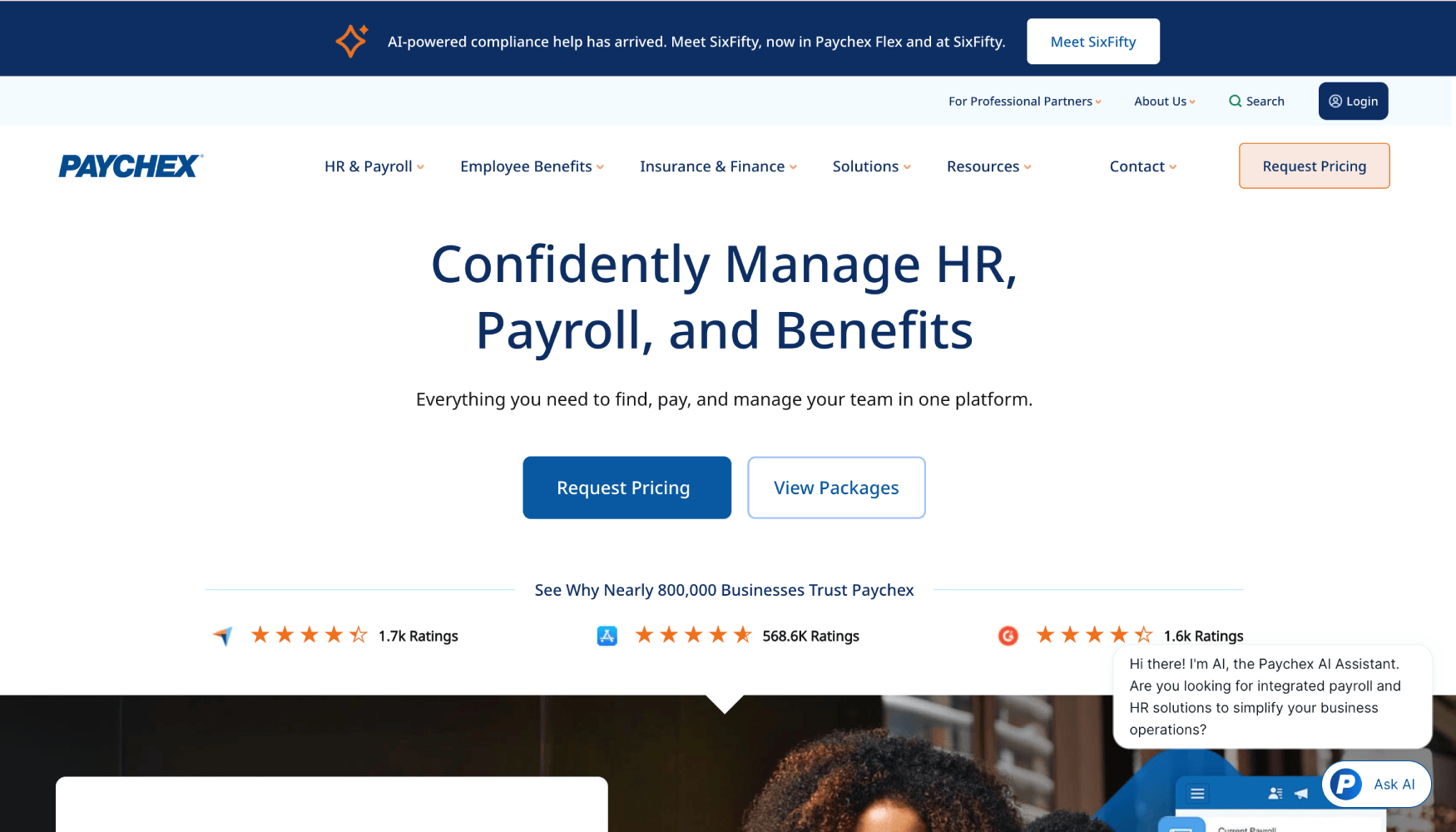
Paychex Flex includes ACA compliance tools for employers on the Paychex payroll platform. For companies in the 50 to 300 employee range running Paychex, the ACA module provides measurement-period configuration, 1095-C generation, and IRS filing. Paychex also offers a full-service ACA filing option.
The practical limitation is the same one that applies to most payroll-attached ACA tools: the measurement period configuration must be set up correctly at implementation and reviewed annually. Paychex’s ACA reporting is reliable for employers with straightforward, predominantly full-time workforces. Variable-hour tracking requires more careful attention and is less automated than dedicated tools like Trusaic. For companies exploring alternatives to Paychex, our best Paychex alternatives for small and mid-size US employers covers comparable platforms.
Best for: Small to mid-size employers already on Paychex Flex with predominantly full-time workforces who want ACA handled inside their existing payroll relationship.
7. UKG Pro ACA Compliance
UKG Pro (formerly Ultimate Software) has one of the more complete ACA compliance modules among large HRIS platforms. It supports both the look-back measurement method and the monthly measurement method, and it tracks measurement and stability periods natively inside the HCM. This is a meaningful differentiator over smaller payroll platforms that support only one method.
UKG Pro generates 1095-Cs from HR and payroll data, handles IRS electronic filing, and produces employee distribution files. The module is included in the UKG Pro platform at no additional per-module charge (though implementation setup requires professional services time). For employers with complex workforce structures, the fact that benefits eligibility and ACA compliance share the same data model reduces reconciliation errors at filing time.
Best for: Mid-market to enterprise employers (500 to 10,000 employees) already on UKG Pro or evaluating it as their primary HCM, particularly those with variable-hour or dual-measurement-method needs.
8. Workday HCM ACA Reporting
Workday HCM includes ACA reporting functionality through its benefits and payroll modules. For employers running Workday for both payroll and benefits, the integration is tight: benefits enrollment data and payroll hours data feed the same measurement-period calculations. Workday generates 1094-C and 1095-C outputs and supports IRS electronic filing via third-party filing partners.
The honest caveat is that Workday’s ACA module requires configuration during implementation, and it is not a plug-and-play compliance tool. Many Workday customers use a third-party ACA service layered on top because the out-of-the-box configuration does not cover all edge cases. If you are on Workday and your ACA filing has historically been handled by a consultant or third party, that is probably the right continued approach unless you have invested in proper ACA configuration within Workday. Our best Workday consulting firms list is a useful resource for finding implementation support.
Best for: Enterprise employers already on Workday for payroll and benefits who have properly configured measurement-period tracking and have access to a Workday-certified implementation partner for annual compliance review.
9. Businessolver ACA Compliance
Businessolver is a benefits administration platform with an embedded ACA compliance layer. Its approach mirrors Benefitfocus: ACA tracking runs alongside benefits enrollment, so measurement-period data and offer data live in the same system as the actual benefits elections. Businessolver generates 1095-Cs, handles IRS filing, and manages employee distribution.
What sets Businessolver apart in this category is its employee experience layer. The platform is designed around employee self-service for benefits, which means it collects the enrollment data that feeds ACA compliance through the same workflow employees use for open enrollment. This reduces manual data entry and the reconciliation errors that follow. Pricing is quote-based and typically positioned for employers above 500 employees.
Best for: Mid-market employers who want ACA compliance embedded in a benefits administration platform with strong employee self-service, particularly those replacing a legacy benefits admin system.
How Do These Tools Compare on the Features That Actually Matter?
| Tool / Service | Type | Variable-Hour Tracking | Managed Filing Option | Multi-EIN / Controlled Group | Best For |
|---|---|---|---|---|---|
| Trusaic ACA Complete | Dedicated software | Strong (proactive alerts) | Yes | Yes | Mid-market with variable hours |
| ADP Workforce Now | Payroll-native module | Moderate (requires config) | Yes (add-on) | Yes | Existing ADP customers |
| Benefitfocus | Benefits admin platform | Moderate | Yes | Limited | Benefits-first buyers |
| Integrity Data | Dedicated software + managed service | Strong | Yes | Yes | Microsoft Dynamics shops |
| Equifax Workforce Solutions | Managed service | Yes (handled by Equifax) | Yes (fully managed) | Yes | Large employers, complex structures |
| Paychex Flex | Payroll-native module | Basic | Yes (add-on) | Limited | Existing Paychex customers |
| UKG Pro | HCM-native module | Strong (dual method) | Via partners | Yes | Mid-market to enterprise on UKG |
| Workday HCM | HCM-native module | Moderate (config-dependent) | Via third-party partners | Yes | Enterprise Workday customers |
| Businessolver | Benefits admin platform | Moderate | Yes | Limited | Benefits admin buyers (500+) |
What Should Multi-State Employers Look for in ACA Compliance Software?
Multi-state employers face two compounding problems: workforce data lives in more than one system, and variable-hour employees may work across state lines in ways that affect both benefits eligibility and payroll records. The first requirement is a tool that can ingest payroll data from multiple sources, whether that is a single multi-state payroll platform or separate state payroll systems, without manual reconciliation.
The second requirement is configurable measurement periods by employment class or location. A retail employer with salaried store managers and part-time associates needs different measurement period settings for each group. Most payroll-attached modules support this but require configuration that many implementations skip. Dedicated tools like Trusaic and Integrity Data are built to handle this complexity by design rather than by configuration.
Multi-state employers should also confirm that their ACA tool handles multiple state filings for states with their own individual mandate reporting requirements, including California, Massachusetts, New Jersey, Rhode Island, Vermont, and Washington D.C. These states require separate employer reporting beyond the federal 1095-C, and not every tool handles both federal and state filings. Our coverage of best multi-state employment compliance software covers the broader compliance picture for distributed workforces.
Software vs. Managed Filing Service: Which One Should You Buy?
Software gives you control and visibility year-round. A managed filing service gives you liability transfer and capacity. The right choice depends on your internal resources.
Choose software if you have an HR or benefits analyst who will actively monitor measurement periods throughout the year, can configure and maintain the tool, and wants audit-ready documentation on demand. Choose a managed filing service if your HR team treats ACA as an annual task, you lack dedicated compliance staff, you have had an IRS penalty notice before, or your workforce complexity is high enough that errors are likely without specialist involvement.
Many mid-market employers land in a hybrid model: they use an HRIS or payroll platform’s built-in module for year-round tracking but hire a managed filer like Equifax Workforce Solutions or Integrity Data to prepare, review, and submit the actual 1094-C and 1095-Cs. This separation makes sense when the HRIS tracks hours reliably but the HR team does not want to own IRS filing mechanics.
How Much Does ACA Reporting Software Cost?
Almost every dedicated ACA tool and managed filing service is priced on a quote basis. None of the vendors reviewed here publish per-employee pricing on their public websites. The cost structure generally includes a base platform or service fee plus a per-form or per-employee charge for 1095-C production and filing.
Payroll-native modules from ADP, Paychex, and UKG are typically included in the platform subscription but with setup and professional services fees for proper configuration. Managed filing add-ons from these same vendors carry additional per-form charges. For employers comparing the total cost of ACA compliance across vendors, the hidden cost to factor in is the staff time required to configure, maintain, and audit measurement-period tracking. A cheaper module that requires 40 hours of annual HR team attention is not actually cheaper than a managed service that handles it. Our hidden costs of HR software guide covers this calculation framework in broader context.
Frequently Asked Questions
What is ACA reporting software and who needs it?
ACA reporting software helps applicable large employers (ALEs) with 50 or more full-time equivalent employees track measurement periods, calculate benefits affordability, generate IRS Forms 1094-C and 1095-C, and file electronically with the IRS. Any ALE that employs variable-hour, seasonal, or part-time workers who might cross the 30-hours-per-week full-time threshold needs dedicated tracking tools rather than relying on a basic payroll module. Employers with straightforward, predominantly full-time workforces may manage with their payroll provider’s built-in ACA feature if it is properly configured.
What is the difference between ACA compliance software and ACA filing services?
ACA compliance software is a tool your team configures and operates to track measurement periods, affordability, and offer-of-coverage data year-round. You control the data and generate the forms. ACA filing services are managed offerings where a third party, such as Equifax Workforce Solutions or Integrity Data’s managed service, collects your data, prepares and reviews the 1094-C and 1095-Cs, and submits them to the IRS on your behalf. Some vendors, including Trusaic and Integrity Data, offer both options from the same platform.
Do I still need separate ACA reporting software if I use Workday or UKG?
Not necessarily, but it depends on whether your Workday or UKG implementation is properly configured for ACA compliance. Both platforms include ACA modules, but they require deliberate configuration of measurement periods, administrative periods, and stability periods for variable-hour workers. Many employers on enterprise HCMs discover during an IRS audit that their measurement period settings were never configured correctly. If you have not had your ACA configuration reviewed by a certified implementation partner or compliance specialist, that review is worth doing before you assume the module is reliable.
Which ACA reporting software is best for employers with seasonal or variable-hour workers?
Trusaic ACA Complete is the strongest dedicated tool for this use case because it tracks hours continuously and alerts HR before an employee crosses full-time thresholds during a measurement period. Integrity Data is a strong alternative for Microsoft Dynamics environments. UKG Pro is the best HCM-native option because it supports both the look-back measurement method and the monthly measurement method natively, which most smaller platforms do not.
What states require ACA-style employer reporting beyond the federal 1095-C?
As of current state legislation, California, Massachusetts, New Jersey, Rhode Island, Vermont, and Washington D.C. require employers to file individual mandate reports at the state level in addition to the federal IRS filing. The specific forms and deadlines vary by state. Not every ACA compliance tool handles state filings alongside federal filings. Confirm your vendor’s state filing coverage before signing a contract, particularly if you have employees in California or Massachusetts, which have active enforcement programs. State legislative status can change; verify current requirements directly with each state’s tax or insurance authority before your next filing cycle.
Can my benefits broker handle ACA compliance and filing?
Some benefits brokers offer ACA compliance as a managed service, either through an in-house team or a partnership with a filing vendor. This arrangement works for employers who want a single relationship to manage both their benefits program and ACA compliance. The risk is that not all brokers have deep ACA technical expertise, particularly around measurement-period configuration and IRS penalty response. Ask your broker specifically who handles the 1094-C preparation and whether they carry errors and omissions coverage for ACA filing mistakes.
What happens if I miss the ACA filing deadline or file incorrect 1095-Cs?
The IRS issues Letter 226-J penalty notices to ALEs whose filing data suggests a potential Section 4980H penalty. Penalties under 4980H(a) apply when an employer fails to offer coverage to at least 95% of full-time employees and at least one employee receives a premium tax credit. Penalties under 4980H(b) apply when coverage is offered but is unaffordable or does not provide minimum value and at least one employee receives a subsidy. The IRS also assesses separate penalties for late or incorrect filing under Section 6721 and 6722. Employers who receive a Letter 226-J have an opportunity to respond and dispute the assessment before penalties are finalized, which is why many employers engage a compliance attorney or managed filing service after a first notice.
Which ACA Compliance Approach Is Right for Your Company?
The most important framing is this: ACA compliance is a year-round data problem, not an annual filing task. The forms you file in January are only as accurate as the measurement-period tracking you did in August. If your current approach is to hand your payroll export to someone in February and generate 1095-Cs, you are filing backwards.
Employers below 500 employees with clean, predominantly full-time workforces can manage with a well-configured payroll module. Employers above 500 employees, or any employer with meaningful variable-hour populations, should invest in either a dedicated platform like Trusaic or a managed filing relationship with a specialist like Equifax Workforce Solutions. The cost of the service is almost always less than the cost of a single IRS penalty cycle. If you are in the process of evaluating your broader HR software stack, the best HR software platforms for mid-market companies comparison covers how ACA capability fits into the broader platform decision.
The single most useful question to ask any vendor is: “Show me how your tool handles a new variable-hour employee hired mid-year, tracked through an initial measurement period, through the administrative period, and into their first stability period.” If the vendor cannot walk you through that specific workflow in their own product, your measurement-period tracking will not survive an IRS audit.