
- Generic payroll tools break on step-and-grade schedules, union contract rules, and pension fund reporting because these are not edge cases in government work, they are the core of how public employees get paid.
- The right government payroll software handles automatic step progression, collective bargaining agreement (CBA) overrides, PERA/IMRF/CalPERS-style pension deductions, and position-based budgeting out of the box.
- Most counties and cities shortlist the wrong vendors by starting with price per employee instead of asking whether the system can process a step increase mid-period without a manual journal entry.
- The eight tools below represent the serious contenders for state, county, city, and special district payroll, covering everything from sub-50-employee water districts to statewide agencies with tens of thousands of workers.
- Three vendors in this list are featured sponsors. They are labeled. All others are independent editorial picks.
The best government payroll software for public sector agencies includes Tyler Technologies Munis, NEOGOV Payroll, Infor CloudSuite Public Sector, Kronos/UKG Workforce Central for Government, ADP Workforce Now for Government, Paylocity, Caselle Connect, and Springbrook Cirrus. These platforms handle the defining requirements of public sector payroll: step-and-grade pay tables, multiple union contracts running simultaneously, pension fund reporting for state retirement systems, and fund accounting integration that general-purpose payroll tools cannot match.
Why Generic Payroll Tools Fail Government Agencies
Most HR buyers coming from the private sector assume payroll is payroll. It is not. A mid-market tech company running Gusto or Rippling processes salary and hourly wages, handles PTO accruals, and files 941s. That is about 30% of what a city or county payroll office manages every pay period.
The mechanics that break generic tools are specific. Step-and-grade pay means every eligible employee sits at a defined pay grade and step, and the system must automatically advance them on their anniversary date or fiscal year date, depending on the CBA, without anyone touching a record manually. Union contracts add another layer: different bargaining units have different step tables, different overtime rules, different shift differentials, and different leave accrual policies, all running in parallel. Pension deductions are not a simple percentage of gross, they vary by tier, entry date, and employee classification, and they must be reported to the state retirement system in a format that system accepts.
Fund accounting is the fourth wall. Government payroll must allocate labor costs across multiple funds, grants, and cost centers, because a public works employee whose time is split across a general fund and a federal grant cannot be paid from a single bucket. The general-purpose multi-state payroll platforms that work beautifully for private employers simply do not have these constructs built in.
What Must a Government Payroll System Handle That Private-Sector Tools Do Not?
Before evaluating any vendor, verify that the system natively handles these seven requirements. If a salesperson says “you can configure that,” ask for a live demo of the configuration, not a slide deck.
- Step-and-grade tables: Multiple pay tables by classification, with automatic progression logic tied to hire date, performance rating, or fiscal year.
- CBA management: Named bargaining units with distinct rules for overtime, comp time, shift differential, and leave, capable of running simultaneously for different employee groups.
- Pension fund reporting: Pre-built integrations or certified file formats for major state retirement systems including CalPERS, PERA, IMRF, TRS, and PERS variants. Manual exports are a compliance risk.
- Fund accounting and labor distribution: Payroll costs coded to funds, grants, and departments in a format that feeds the government’s financial system without re-entry.
- Position-based budgeting: The system must know that a position, not a person, has a budget. When someone vacates a role, the budget stays.
- FLSA Section 7(k): Law enforcement and fire departments use a partial-period overtime rule that most private-sector tools do not support.
- W-2 and pension reporting compliance: Box 12 codes for government pension plans, 1099-R handling for any deferred comp, and state-specific reporting requirements.
The 8 Best Government Payroll Software Platforms Compared
| Vendor | Best For | Step/Grade | CBA Support | Pension Reporting | Pricing Model |
|---|---|---|---|---|---|
| Tyler Technologies Munis | Counties and cities, full ERP | Native | Multi-unit native | Multi-state, pre-built | Quote-only (unverified public pricing) |
| NEOGOV Payroll | Mid-size government agencies | Native | Configurable | Growing library | Quote-only (unverified public pricing) |
| Infor CloudSuite Public Sector | Large municipalities, states | Native | Multi-unit native | Extensive | Quote-only (unverified public pricing) |
| UKG Pro / Workforce Central for Gov | Large agencies, complex scheduling | Native | Multi-unit native | Configurable | Quote-only (unverified public pricing) |
| ADP Workforce Now Government | Smaller agencies wanting ADP support | Limited | Limited | Manual/partner | Quote-only (unverified public pricing) |
| Paylocity | Small-to-mid government entities | Configurable | Partial | Limited | Per-employee/month (see public pricing page) |
| Caselle Connect | Small cities, water districts, utilities | Native | Native | Multi-state | Quote-only (unverified public pricing) |
| Springbrook Cirrus | Small-to-mid local government | Native | Native | Multi-state | Quote-only (unverified public pricing) |
Capability ratings in the Step/Grade, CBA Support, and Pension Reporting columns are based on vendor product documentation, publicly available feature descriptions, and government-specific product pages. Ratings marked “Configurable” or “Partial” reflect capabilities requiring implementation work or incomplete coverage as of the time of writing. Verify current status and your specific retirement system requirements directly with each vendor before relying on this table.
1. Tyler Technologies Munis (Featured)
Tyler Technologies Munis is the most widely deployed government ERP in the United States, and its payroll module is built specifically for public sector complexity. Step tables are a native construct, not a workaround, and the system supports multiple pay tables running simultaneously across different employee classifications and bargaining units.
Pension reporting is a genuine strength. Tyler maintains pre-built reporting formats for dozens of state retirement systems, and the file generation is part of the standard payroll close process rather than an afterthought export. Fund accounting integration is tight because Munis is a single ERP, so payroll costs flow directly into the general ledger without a middleware step.
The honest trade-off is implementation complexity and timeline. A mid-size city should budget typically 12 to 18 months for a full Munis implementation, based on customer references and implementation partner estimates , though complexity, data migration scope, and staffing on both sides can push that range in either direction. The system requires dedicated IT support to maintain. It is not a tool you configure on a weekend. For agencies already running Tyler for financials, adding Munis Payroll is the logical choice. For agencies running a different financial system, evaluate the integration cost carefully before committing. See the HR software implementation checklist for a framework to scope that work before you sign.
2. NEOGOV Payroll (Featured)
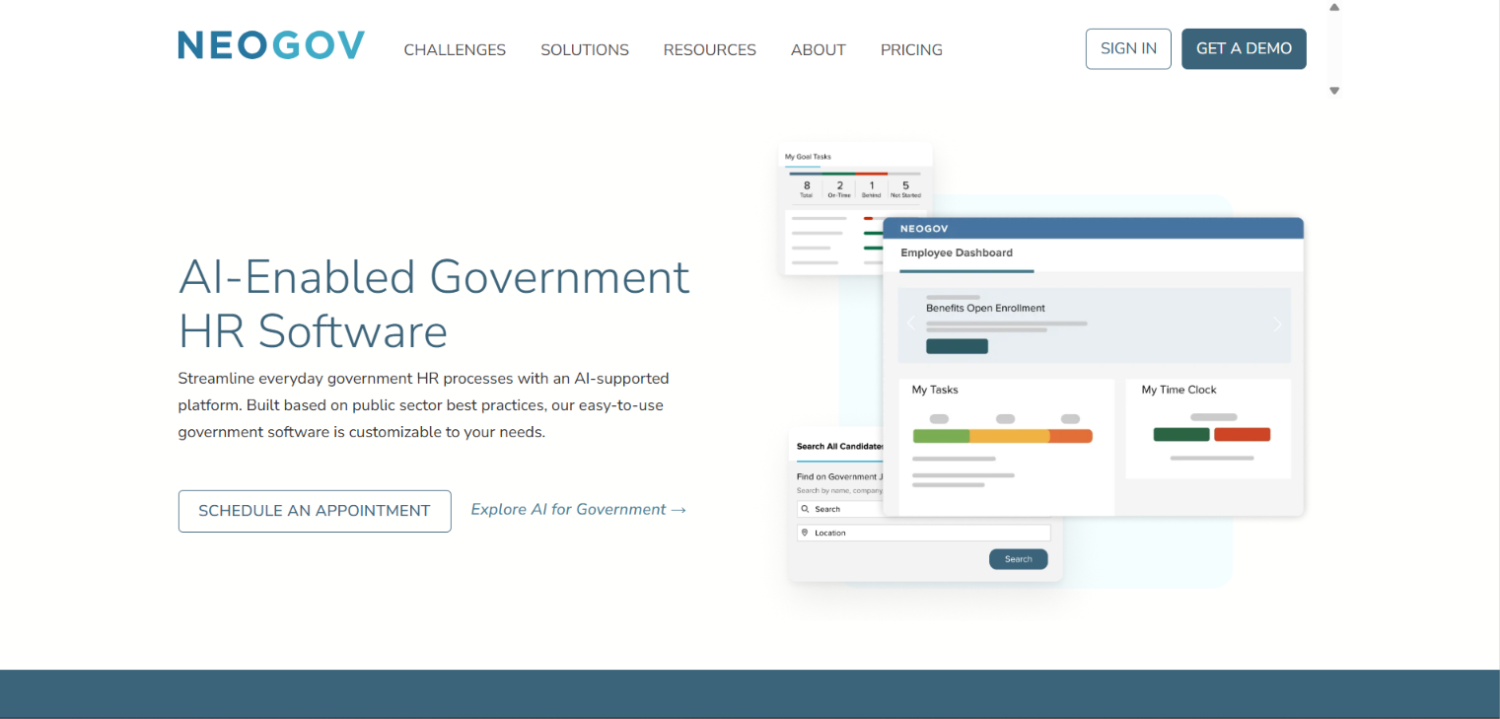
NEOGOV Payroll entered the market as a natural extension of NEOGOV’s recruiting and onboarding suite, and it has built genuine public-sector payroll capability. Step-and-grade progression is native, and the system handles the employee lifecycle from application through payroll within one platform, which eliminates a significant data re-entry problem that plagues agencies running separate HR and payroll systems.
The CBA configuration layer allows HR teams to define bargaining unit rules, override standard policies for named employee groups, and maintain an audit trail of changes. This matters for grievance proceedings. Pension reporting coverage is growing but is not as broad as Tyler or Infor, so agencies with complex or less-common state retirement system requirements should get a specific demo before signing.
NEOGOV Payroll’s strongest differentiator is the integrated government HR suite. Agencies that are simultaneously solving recruiting, onboarding, performance management, and payroll can consolidate on one vendor. For agencies that only need payroll, the per-module pricing may push the total cost of ownership higher than a dedicated payroll-only system.
3. Infor CloudSuite Public Sector
Infor CloudSuite Public Sector targets large municipalities, counties, and state agencies that need an enterprise-grade HCM and payroll system with deep government-specific configuration. Its payroll engine supports multiple pay bases (hourly, salary, step, grade, and combination), multiple union contracts, FLSA Section 7(k) for public safety, and position-based budgeting tied to budget control rules.
Pension reporting is extensive. Infor has built integrations with major state retirement systems and the configuration layer allows agencies to define additional deduction and reporting logic without custom development. The financial integration with Infor’s own general ledger is tight, and third-party financial system integrations exist for agencies running Tyler, SAP, or Oracle on the finance side.
The implementation cost and vendor footprint are significant. Infor CloudSuite is appropriate for agencies with 500 or more employees and dedicated HR/IT teams. Smaller agencies comparing Infor to Tyler will generally find Munis more practical at smaller scale. For state-level agencies or large counties managing thousands of employees across dozens of departments, Infor competes directly with Workday and Oracle and often wins on government-specific depth.
4. UKG Pro (Formerly Kronos) for Government
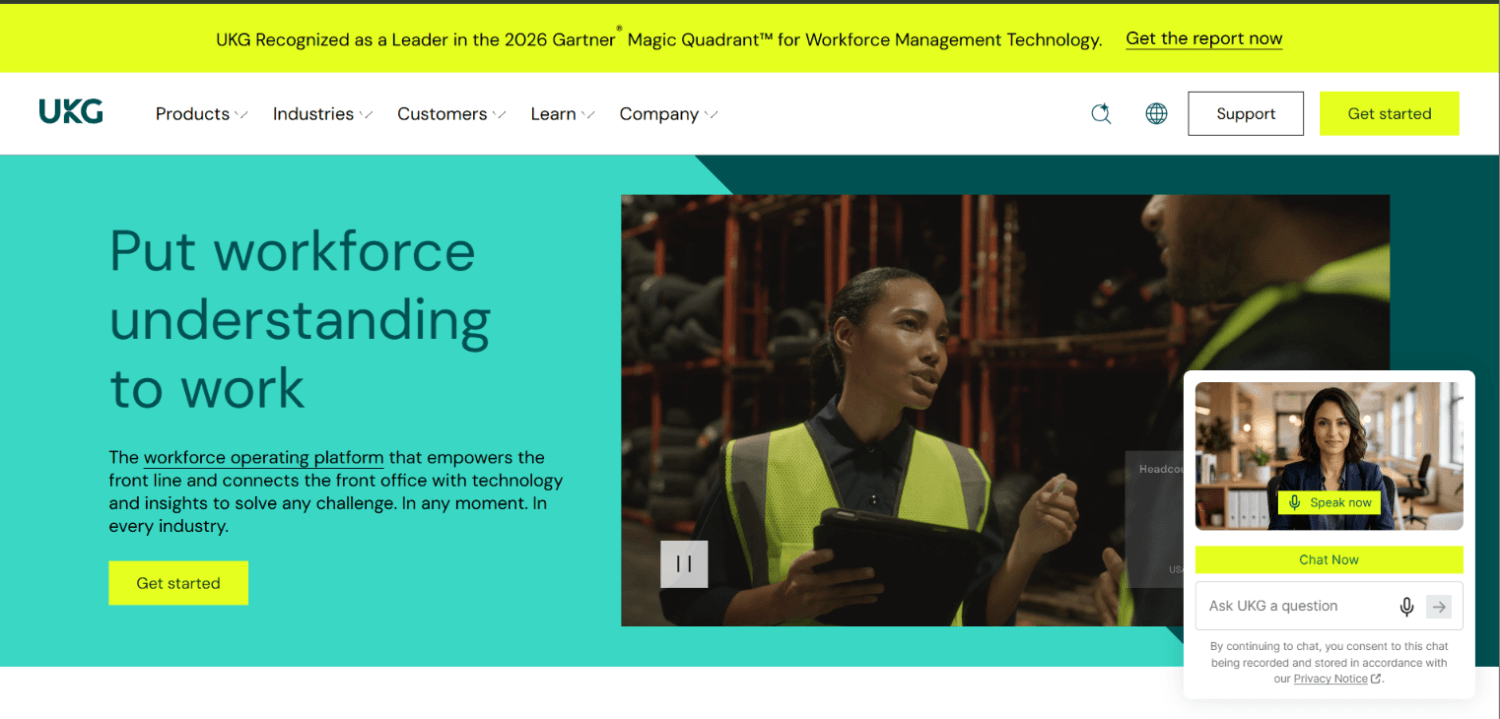
UKG Pro has a long history in public sector time and attendance, particularly for agencies with complex scheduling requirements in public safety, utilities, and transportation. The payroll module handles step-and-grade natively and supports multiple bargaining unit configurations, though some agencies report that the CBA configuration layer requires significant implementation effort to get right.
UKG’s real advantage in government is the time and attendance integration. For agencies where time tracking and scheduling complexity is as significant as payroll complexity, having both in one platform reduces the file transfer errors and reconciliation burden that come from running separate T&A and payroll systems. Fire departments running 24-hour shifts with rotating schedules and FLSA 7(k) overtime calculations are a natural fit.
Pension reporting is configurable rather than pre-built for every state system, which means implementation teams need to build and validate the output format for the specific retirement system. Budget for that work in the implementation scope. UKG’s government customer base is large enough that most major state retirement systems have been built before, so implementation partners usually have a template to start from.
5. ADP Workforce Now for Government
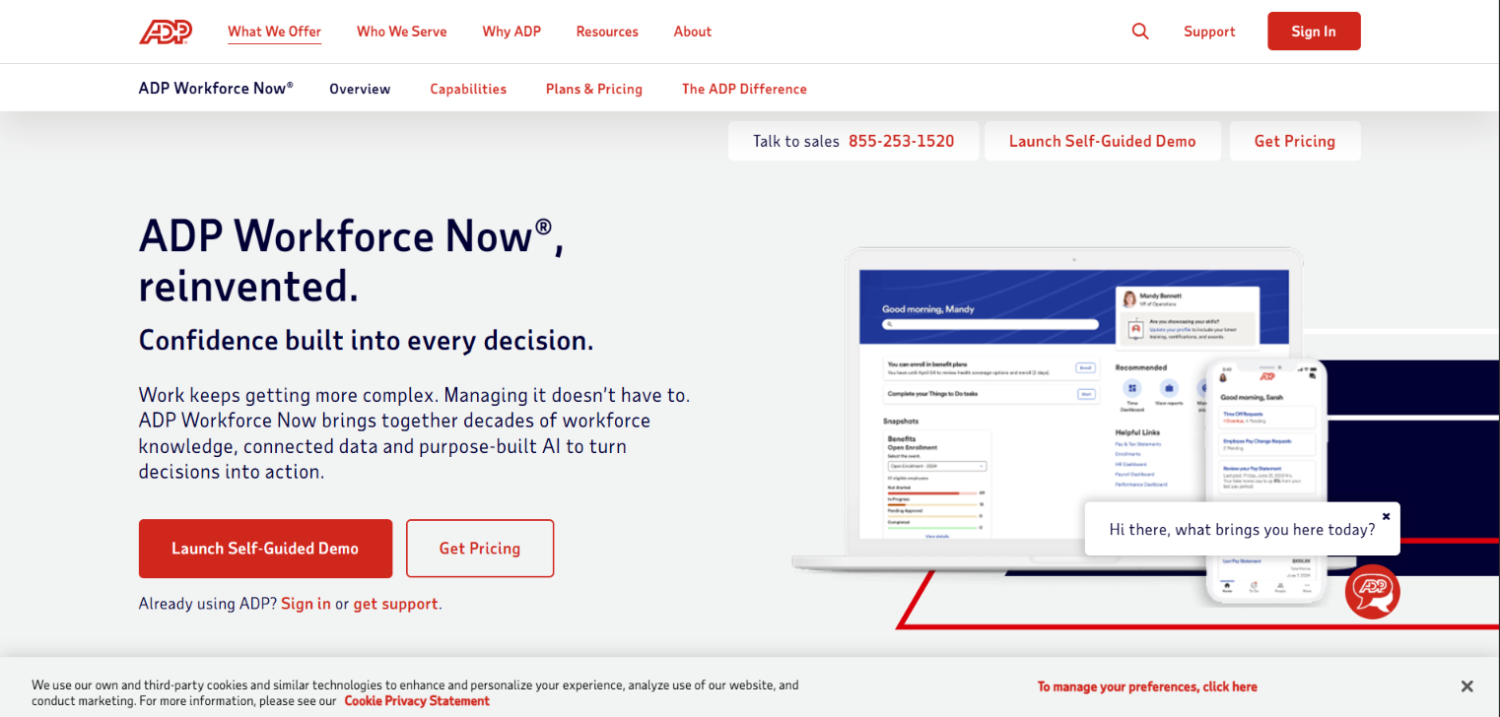
ADP Workforce Now is included here because many smaller government agencies use it, and because it is worth being direct about its limitations. ADP Workforce Now is a strong private-sector payroll platform that has been stretched to cover some government requirements, but it is not purpose-built for public sector work.
Based on product documentation and practitioner accounts, step-and-grade support requires workarounds rather than native configuration. CBA management is more limited compared to Tyler, Infor, or NEOGOV , though the degree of that limitation depends on how many bargaining units are involved and how complex the contract rules are; agencies considering ADP should run their specific CBA scenarios in a live demo before drawing conclusions. Pension reporting to state retirement systems, per available documentation, typically requires manual file preparation or a third-party integration, which creates compliance risk during staff turnover. The fund accounting integration is weak unless the agency is also using an ADP-connected general ledger, which few government entities do.
ADP Workforce Now makes sense for small government entities, such as special districts or small towns under 50 employees, where the step-and-grade tables are simple and the pension reporting requirements are light. For anything more complex, the configuration effort and compliance risk outweigh the familiarity advantage. If you are evaluating ADP because your finance team already uses it for something else, be rigorous about getting a working demo of the specific government scenarios before you commit.
6. Paylocity
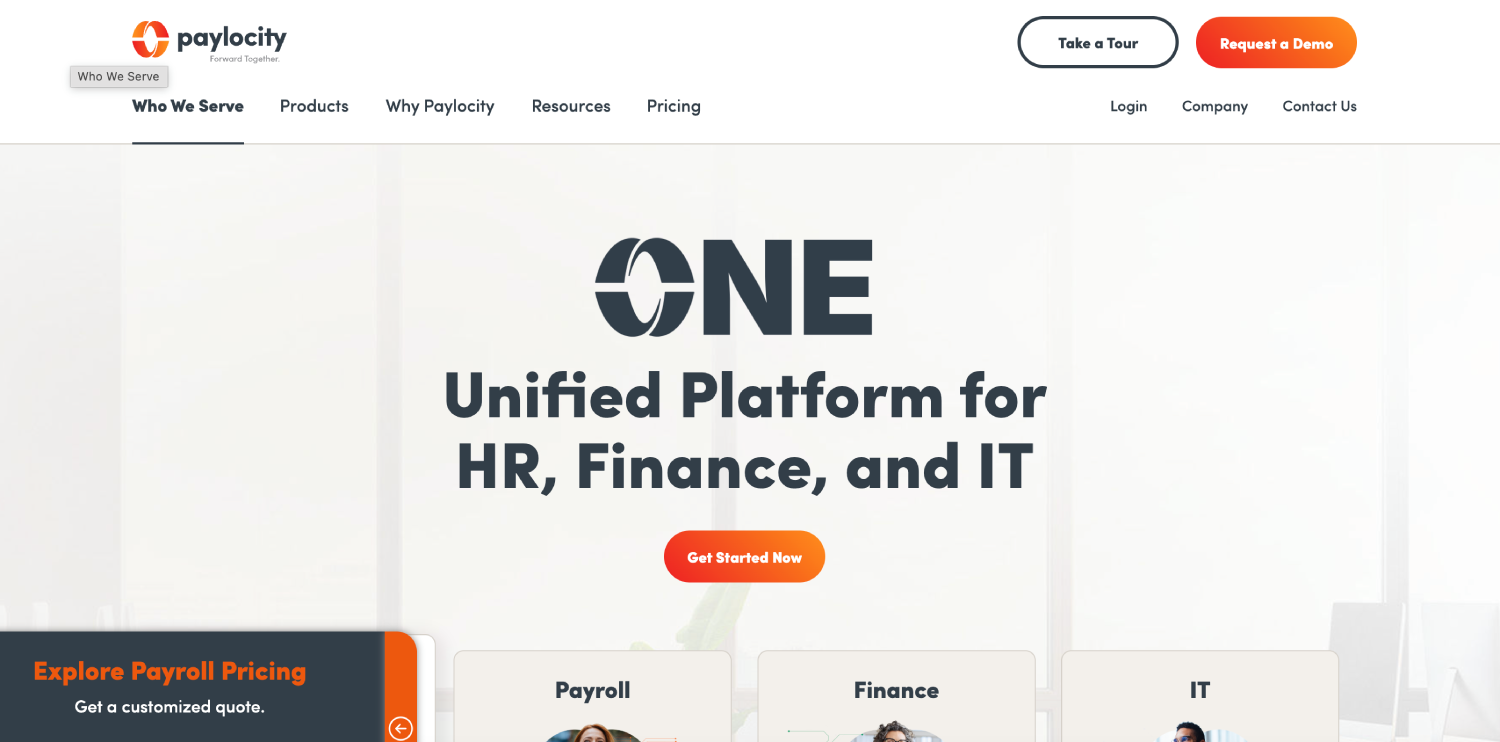
Paylocity sits in a similar position to ADP: a capable private-sector platform that some smaller government agencies adopt because of its modern UI and competitive per-employee pricing. Its step-and-grade support is configurable, meaning an implementation team can build pay tables, but it is not a native government construct and requires more maintenance as tables change.
Paylocity’s strength is its employee experience layer: modern self-service, mobile access, and a strong benefits administration module. For a small municipal government trying to improve employee experience and reduce HR admin burden while keeping payroll functional, Paylocity can work. For an agency with multiple bargaining units, complex pension reporting, and fund accounting requirements, it will require significant custom work that erodes its price advantage.
Paylocity publishes per-employee-per-month pricing on its public pricing page, which makes total cost of ownership easier to model upfront than the quote-only vendors. That transparency is a genuine advantage for agencies with tight procurement requirements, even if the platform’s government-specific depth does not match the dedicated public sector systems.
7. Caselle Connect (Featured)
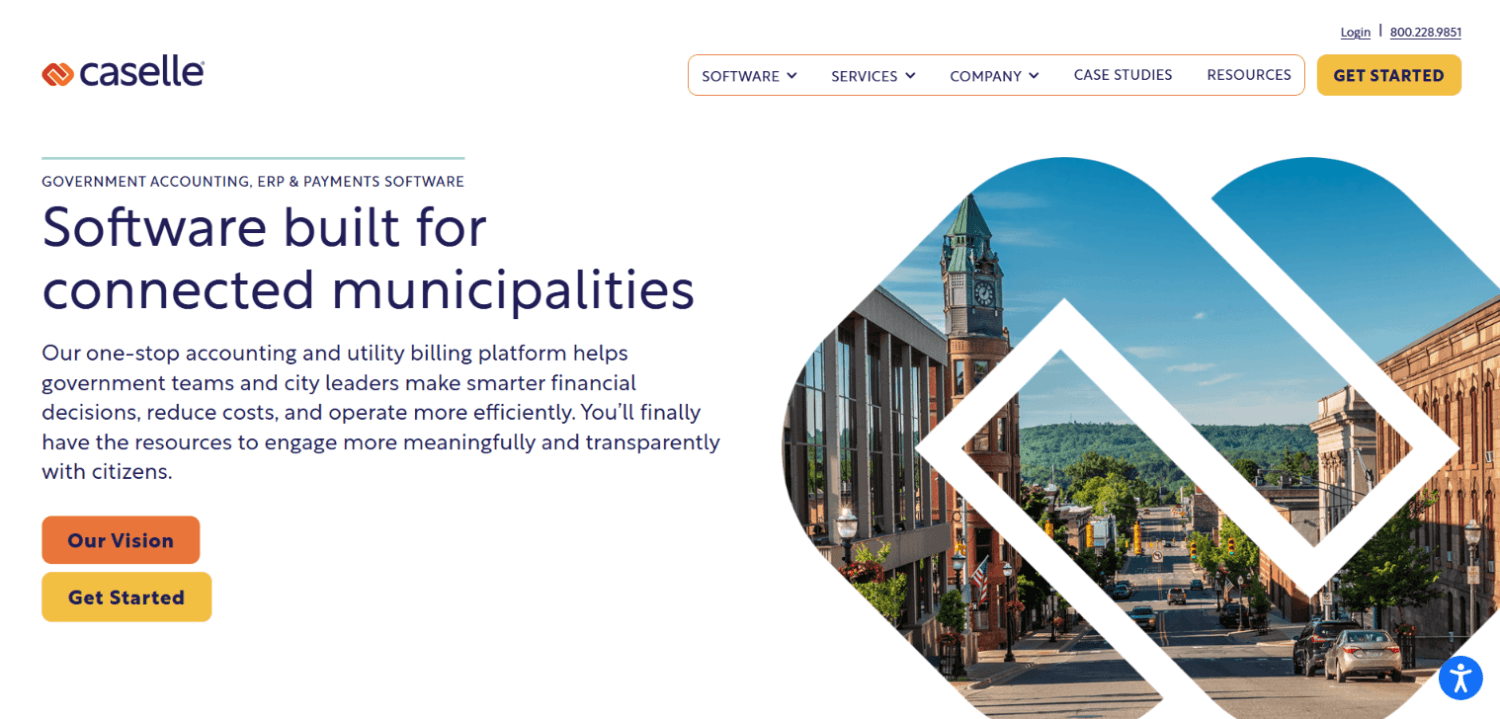
Caselle Connect is a purpose-built government finance and payroll system designed specifically for small cities, water districts, utilities, and special districts , the organizations that are too small for Tyler or Infor but need real government payroll capability, not a stretched private-sector tool.
Caselle handles step-and-grade natively, supports multiple bargaining units, and maintains pension reporting integrations for a wide range of state retirement systems. The fund accounting integration is native because Caselle’s payroll module is part of a government accounting suite: payroll costs move into the general ledger without re-entry or file transfers. For small agencies where the same two or three people handle HR, payroll, and accounting, this matters enormously.
The trade-off is scale. Caselle is not the right choice for a county with 2,000 employees and a complex HR operation. The reporting tools are functional rather than analytics-rich, and the implementation services are leaner than enterprise vendors. Implementations for small agencies with straightforward configurations typically run three to six months, based on vendor-published guidance and customer references, though agencies with multiple bargaining units or complex pension tiers should expect the higher end of that range. For a 40-employee water district or a small town running payroll for 80 employees across three bargaining units, Caselle is one of the few tools that actually works without expensive custom configuration.
8. Springbrook Cirrus
Springbrook Cirrus occupies the same market position as Caselle: purpose-built for small-to-mid local government, cloud-native, and designed by people who understand that a city clerk also does payroll. The platform covers HR, payroll, utility billing, and financials in one system, which is the operational reality of small government.
Step-and-grade progression is native. Bargaining unit rules are configurable with named contract periods. Pension reporting covers multiple state retirement systems, and Springbrook actively maintains these integrations as retirement systems update their reporting requirements. The cloud-native architecture means updates happen automatically rather than requiring local IT to manage upgrade cycles, which is a real operational benefit for agencies without dedicated IT staff.
Springbrook’s reporting and analytics layer is adequate for compliance and audit purposes but will not satisfy agencies looking for workforce analytics or predictive reporting. Agencies that grow past roughly 300 to 500 employees will likely outgrow Springbrook’s HR depth and need to consider NEOGOV or Tyler for the expanded people-management capability. At the right scale, though, it is a clean, purpose-built solution that reduces the compliance risk of running government payroll on a private-sector platform.
How Do Step-and-Grade Pay Tables Work in Payroll Software?
Step-and-grade is a compensation structure where every job classification has a pay grade (a band) and multiple steps within that grade, each representing a pay rate. An employee starts at Step 1 of their grade and advances to Step 2, 3, and so on, based on time in service, performance, or CBA terms. The payroll system must store the complete pay table for every grade, track where each employee sits, and automatically apply the new rate on the correct date.
In practice, this means the system needs to calculate the correct gross pay from the step rate, not from a field someone manually updates. When a CBA is renegotiated and all step rates increase by 2.5%, the system applies that increase across every employee in the bargaining unit at once, with a retroactive pay calculation if the contract was ratified after the effective date. Generic payroll tools handle none of this automatically.
Retroactive pay calculation is where most tools fail. A CBA signed in October with an April effective date means six months of pay must be recalculated at the new step rate and paid in a lump sum. For an agency with 200 union employees, that is a significant calculation. Tyler, Infor, NEOGOV, Caselle, and Springbrook handle this natively. ADP and Paylocity require manual workarounds that create audit risk.
Pension and Retirement System Reporting: What to Verify Before You Buy
Pension reporting is the compliance risk most government agencies underestimate during vendor selection. A payroll system that cannot produce the correct contribution file for the state retirement system forces someone to manually prepare it every pay period. That manual process is a control weakness, a staff dependency, and a source of costly errors.
Before signing any contract, verify three things. First, confirm that the vendor has a certified or validated integration with your specific state retirement system, not just that it “supports pension reporting.” Second, ask how the vendor maintains that integration when the retirement system changes its file format or contribution rules. State retirement systems update requirements regularly, and some vendors let those updates lag. Third, ask whether multi-tier pension handling is supported, because most state retirement systems have legacy and new-hire tiers with different contribution rates and reporting fields.
The table below shows the major US state retirement systems and which vendors in this list have documented or pre-built integrations. Ratings are based on publicly available product documentation and vendor-published government capability materials. “Configurable” means the vendor can produce the output but requires implementation work to set up and validate. “Partial” means the vendor has started building the integration but may not cover all tiers or contribution types. All ratings should be verified directly with the vendor for your specific state system and tier structure before relying on them for procurement decisions.
| State Retirement System | Tyler Munis | NEOGOV | Infor | UKG | Caselle | Springbrook |
|---|---|---|---|---|---|---|
| CalPERS (California) | Yes | Yes | Yes | Configurable | Yes | Yes |
| PERA (Colorado, NM, MN) | Yes | Yes | Yes | Configurable | Yes | Yes |
| IMRF (Illinois) | Yes | Partial | Yes | Configurable | Yes | Yes |
| TRS (Texas, Illinois, others) | Yes | Partial | Yes | Configurable | Yes | Yes |
| PERS (Oregon, Washington, others) | Yes | Yes | Yes | Configurable | Partial | Yes |
| NYSLRS (New York) | Yes | Partial | Yes | Configurable | No | No |
How to Choose Between These Vendors Based on Agency Size and Complexity
Agency size matters, but complexity matters more. A 150-employee city with four bargaining units and CalPERS reporting has higher payroll complexity than a 300-employee county with a single salary schedule and no union. Use complexity, not headcount, as your primary filter.
For agencies under 100 employees with straightforward union contracts and common state retirement systems, Caselle Connect and Springbrook Cirrus offer the best ratio of purpose-built government functionality to implementation cost and ongoing support complexity. Both run as cloud-native systems and do not require an IT department to maintain.
For agencies between 100 and 500 employees with multiple bargaining units and HR needs beyond basic payroll (recruiting, onboarding, performance), NEOGOV Payroll is the most logical choice, especially if the agency is already using NEOGOV for government recruiting. Tyler Munis is appropriate at this size range for agencies that also need to replace their financial system.
For large counties, cities, and state agencies over 500 employees with complex scheduling, multiple fund sources, and extensive pension reporting, Tyler Munis, Infor CloudSuite, and UKG Pro are the three serious options. The choice between them usually comes down to the existing financial system: Tyler if you are already a Tyler ERP shop, Infor if you are running an Infor financial system, and UKG if scheduling complexity is the dominant pain point. Agencies replacing their financial system at the same time should evaluate Tyler and Infor as integrated ERPs rather than payroll-only purchases.
For agencies leaning on more advanced HR analytics alongside payroll, it is worth understanding how HR software for government agencies connects payroll data to workforce planning and compliance reporting at the enterprise level.
What Does Government Payroll Software Cost?
Most purpose-built government payroll systems are quote-only, and published per-employee pricing does not exist for Tyler, Infor, NEOGOV, UKG, Caselle, or Springbrook. Pricing depends on employee count, module selection, implementation scope, and the vendor’s assessment of the agency’s complexity. None of these vendors publish pricing on their public-facing product pages as of the time of writing; confirm current pricing status directly with each vendor during the RFP process.
What you can plan for is implementation cost, which is typically the larger initial expenditure. Enterprise systems like Tyler Munis and Infor CloudSuite carry implementation costs that often equal or exceed the annual software cost in year one. NEOGOV, Caselle, and Springbrook have lighter implementation footprints, though complex union and pension configurations add time regardless of platform.
Paylocity is the exception, publishing per-employee-per-month pricing on its public pricing page, which makes it the easiest for budget modeling in public procurement processes. The trade-off is the reduced government-specific depth described above.
Procurement processes for government software typically require an RFP. If your agency is preparing one, the HR software RFP template and vendor comparison framework on this site includes government-specific questions that will help you get substantive responses from vendors rather than generic feature lists.
Implementation is also a cost where government agencies routinely underestimate the total. A good reference point is the full breakdown of hidden HR software costs including implementation, integrations, and ongoing per-employee fees that rarely appear in the initial quote.
Frequently Asked Questions About Government Payroll Software
What makes payroll software “government-specific” compared to private-sector payroll?
Government payroll software is built around step-and-grade pay tables, multiple simultaneous union contracts, FLSA Section 7(k) for public safety, pension fund reporting to state retirement systems, and fund accounting that allocates labor costs across general funds, grant funds, and capital funds. Private-sector payroll tools handle salary and hourly wages for a single pay structure with standard overtime rules. The operational requirements are fundamentally different, not just more complex versions of the same thing.
Can I use Gusto or Rippling for a small municipality or special district?
You can, but you will hit the wall quickly. Gusto and Rippling do not support step-and-grade pay tables as native constructs, cannot manage bargaining unit rules, and have no pre-built integrations with state pension systems. A small water district with 15 employees and no union might manage in Gusto, but the moment you have pension reporting requirements or a CBA, you need a purpose-built system. Caselle Connect or Springbrook Cirrus are better choices at small government scale.
How do government payroll systems handle retroactive pay from CBA negotiations?
Purpose-built government payroll systems store the effective date of a new contract separately from the ratification date and can recalculate prior pay periods at the new step rates. The system generates a lump-sum retroactive payment for the difference across all affected employees. This requires that the system maintain a full pay history at the step level, not just gross pay totals. Tyler Munis, Infor, NEOGOV, Caselle, and Springbrook all handle this natively. ADP Workforce Now and Paylocity require manual calculation and entry.
What is FLSA Section 7(k) and which systems support it?
FLSA Section 7(k) allows law enforcement agencies and fire departments to use a partial-period work schedule for overtime calculations instead of the standard 40-hour weekly threshold. Officers working 28-day cycles under Section 7(k) can work up to 171 hours before overtime kicks in, rather than the 160 hours that would accumulate under a standard 40-hour week. Tyler Munis, Infor CloudSuite, UKG Pro, and Caselle Connect support 7(k) calculations natively. This is a non-negotiable requirement for any agency with sworn police or fire personnel.
How should a government agency evaluate vendor pension reporting claims?
Ask for three things in writing: a list of state retirement systems the vendor has live customers reporting to today, the process by which the vendor updates its reporting format when the retirement system changes requirements, and references from agencies in your state using the same retirement system. A vendor that says “we support pension reporting” but cannot produce active customer references in your state is selling a future capability, not a current one. Treat that as a custom development project in your cost model.
What is position-based budgeting and why does it matter for payroll?
Position-based budgeting means the payroll budget is attached to a position slot rather than to the employee filling it. When an employee leaves, the position remains in the system with its authorized salary range and budget allocation. This is how government finance offices control headcount and prevent unauthorized hiring above budget. Systems that only track employee records, not position records, cannot support this model and require manual budget reconciliation every time someone separates or changes roles.
How long does it take to implement government payroll software?
Implementation timelines vary by complexity and system. Caselle Connect and Springbrook Cirrus implementations for small agencies with straightforward configurations typically take three to six months, based on vendor-published guidance and customer references. NEOGOV Payroll implementations for mid-size agencies with multiple bargaining units typically run six to twelve months. Tyler Munis and Infor CloudSuite full ERP implementations at larger agencies typically require twelve to twenty-four months. Pension reporting validation, CBA configuration, and fund accounting setup are the steps most likely to extend timelines beyond the vendor’s initial estimate.
The Right Framework for Picking a Government Payroll System
Start with your complexity requirements, not your budget. Document every bargaining unit, every step table, every pension tier, and every fund accounting requirement before you talk to a single vendor. That document becomes your demo script, and any vendor who cannot walk you through it live is not the right partner regardless of price.
The agencies that make bad government payroll decisions share a common pattern: they shortlist on price and UI, get impressed by a polished demo of general payroll features, and only discover during implementation that the system cannot handle their IMRF reporting or their retroactive CBA calculation. By then, the contract is signed. The systems in this list range from purpose-built government tools that handle this complexity natively to capable private-sector platforms that can be stretched for simpler government scenarios. Knowing which category you need before you issue the RFP is the decision that determines whether implementation goes smoothly or becomes a two-year remediation project.
The smallest agencies, particularly special districts and towns under 75 employees, often dismiss Caselle and Springbrook because they have not heard of them. That is a mistake. Name recognition in government payroll is not correlated with fitness for purpose the way it sometimes is in private-sector HR tech. The right question is not which vendor is biggest. It is which vendor has live customers in your state, using your pension system, with a union structure similar to yours, who will take your call.