- Workday releases two major updates every year (R1 and R2), plus weekly patch drops. Manual regression testing consumes weeks of HRIS team time twice annually.
- Most teams undercount the real cost because the labor is absorbed, not invoiced. Automation changes that accounting.
- The seven partners below range from pure-software testing platforms to managed testing services. They solve different problems, so the right pick depends on your team’s capacity and Workday footprint.
- Opkey and Testhouse are profiled in full. Kainos Smart gets a shorter mention because it fits best evaluated alongside the broader Workday partner context.
- Automation ROI typically shows up within two release cycles when a team replaces a largely manual regression pack with a pre-built Workday test suite.
The best Workday testing automation partners for most mid-market and enterprise teams are Opkey, Tricentis, Testhouse, Worksoft, Panaya, UiPath with ERP connectors, and Kainos Smart. Each handles Workday R1 and R2 release testing differently, with varying levels of pre-built test content, managed service options, and integration testing depth. Your choice depends on how much pre-built Workday coverage you want versus how much you can build yourself.
Why Manual Workday Release Testing Is a Hidden Payroll Risk
Most HRIS teams describe their Workday testing process as “manageable.” What they mean is that two or three people block out two to four weeks before each R1 and R2 release, run through a shared spreadsheet of test scripts, and sign off in time for the tenant refresh. The process works, until it does not.
The risk is not that the team cannot absorb the effort. The risk is that manual testing at speed produces gaps. Smoke tests cover the obvious flows. Integration testing between Workday and downstream payroll, benefits, or ATS systems gets abbreviated. A business process that changed in the weekly release notes two months ago was never added to the regression pack. Payroll runs on a Friday and the error surfaces Monday morning.
The hidden cost has two parts. First, the labor itself: if three people spend three weeks on release testing twice a year, that is 18 person-weeks annually, before you count the remediation time when something breaks post-go-live. Second, the opportunity cost: those same people are not working on the Workday optimization projects the business actually asked for. If you are evaluating where your Workday investment is going, the best Workday consulting firms consistently flag release testing as the first area where lean in-house teams lose ground.
Automated testing does not eliminate human judgment. Someone still needs to review results, triage failures, and decide when a defect is release-blocking versus cosmetic. Automation removes the repetitive execution work and makes the regression pack consistent across every release cycle.
What Should a Workday Testing Automation Partner Actually Do?
The category sounds specific but covers meaningfully different service models. Before evaluating vendors, map your actual need against three distinct problems.
Pre-built Workday test libraries matter more than raw automation capability. Any enterprise test automation platform can automate a browser-based workflow. The value in the Workday context is a vendor that ships a regression pack of several hundred or several thousand pre-built test cases covering HCM, Payroll, Benefits, Recruiting, and Financials on day one. Building those scripts yourself from scratch is a six-to-twelve month project.
Release-aware test maintenance is the second dimension. Workday’s weekly release notes and biannual feature drops break existing test scripts. A testing partner that does not maintain its library in response to Workday updates shifts that maintenance burden back to your team. Ask every vendor how long it takes them to update their library after a major release.
Managed service versus self-service is the third dimension. Smaller HRIS teams with no QA engineering capacity need a partner that runs tests for them and delivers a results report. Larger teams with their own QA function may prefer a SaaS platform they operate themselves. Most vendors offer both, but they are stronger on one side.
For teams also evaluating broader implementation support alongside testing, the best HRIS implementation partners increasingly bundle release testing support into their managed service engagements, so it is worth asking about scope before signing separately.
How to Compare Workday Testing Automation Partners Before Shortlisting
| Partner | Model | Pre-built Workday Test Library | Integration Testing | Release-Ready Maintenance | Best For |
|---|---|---|---|---|---|
| Opkey | SaaS platform + managed option | Yes, 4,000+ Workday test cases (per Opkey) | Yes | Yes, automated with each release | Mid-market to enterprise, lean HRIS teams |
| Tricentis | SaaS platform | Yes, ERP-focused library | Yes | Yes | Enterprise with existing SAP or Oracle alongside Workday |
| Testhouse | Managed testing service | Service-delivered, not self-service | Yes | Yes, service team manages | Teams with no in-house QA capacity |
| Worksoft | SaaS platform | Workday-specific library | Yes | Yes | Enterprise running Workday and SAP in parallel |
| Panaya | SaaS platform | Change impact analysis, growing Workday coverage | Partial | Yes | Teams prioritizing change impact analysis |
| UiPath (ERP Testing) | SaaS platform | Configurable, not pre-built for Workday | Yes | Team-maintained | Orgs with existing UiPath RPA investment |
| Kainos Smart | SaaS platform | Yes, Workday-native | Yes | Yes, Workday partner maintained | Teams deeply embedded in the Kainos partner context |
Opkey: The Strongest Pre-Built Library for Lean HRIS Teams
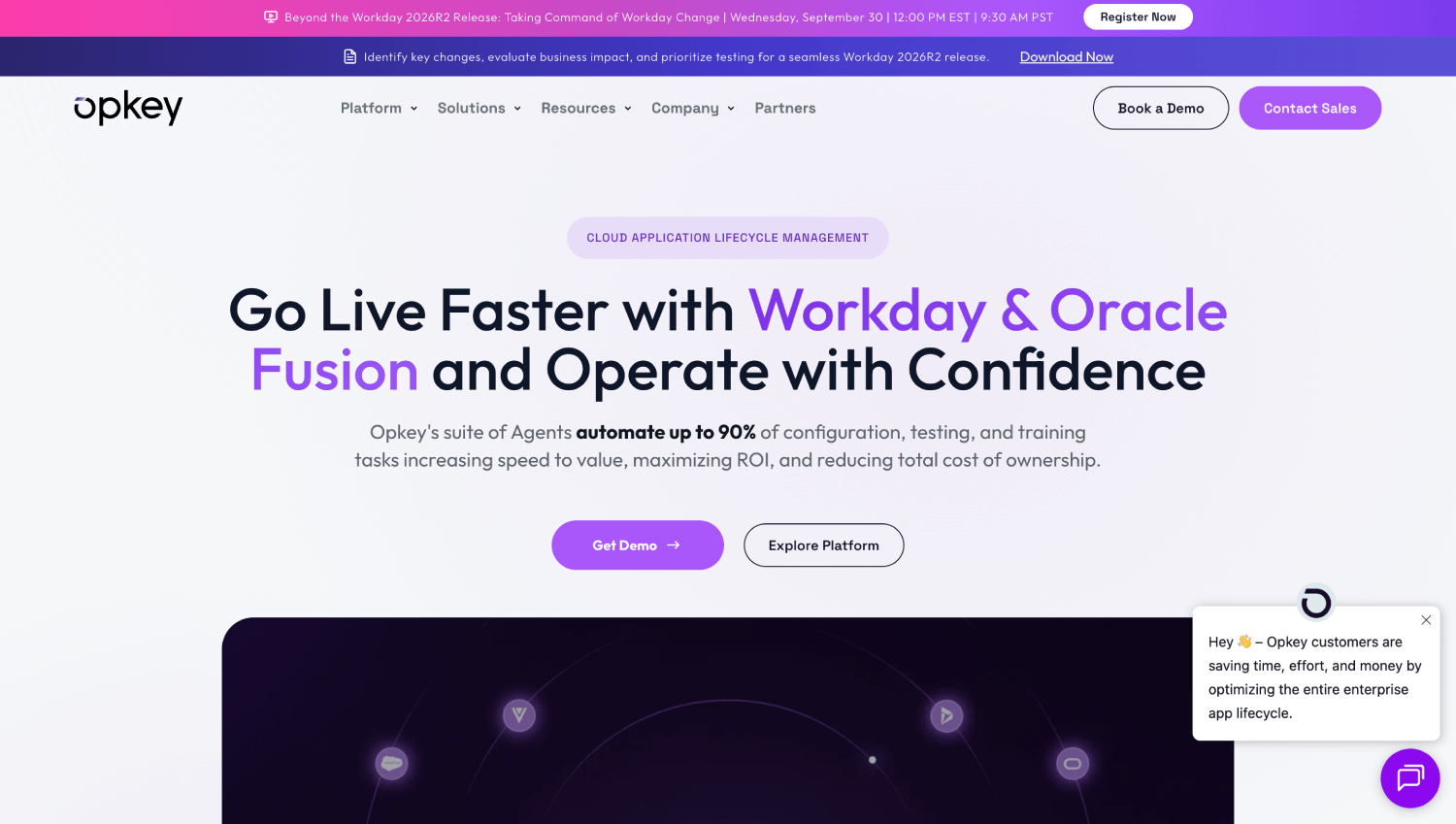
Opkey has built its product around one positioning argument: your Workday team should not spend time writing or maintaining test scripts. The platform ships with more than 4,000 pre-built test cases covering Workday HCM, Payroll, Benefits, Time Tracking, Recruiting, and Financials, per Opkey. For most mid-market Workday tenants, that library covers the majority of critical business processes without any custom scripting on day one.
What Opkey Does Better Than Most Competitors
The practical differentiator is the test maintenance model. When Workday releases updates, Opkey updates its library automatically, rather than pushing that work to the customer’s team. The platform uses an AI-powered object recognition layer to handle UI changes that break traditional script-based tests. Teams running a weekly smoke test after each Workday patch drop report that their test suite remains stable without manual intervention between major releases.
Integration testing is an area where Opkey outperforms single-platform testing tools. Workday rarely runs in isolation. Benefits data flows to carriers, payroll feeds downstream to general ledger, recruiting data syncs to onboarding platforms. Opkey’s integration test coverage includes common Workday connectors and allows teams to build end-to-end tests that cross system boundaries, which is where most post-release defects actually originate.
Opkey Fit and Limitations
Opkey is best for mid-market and enterprise teams where the HRIS function does not have dedicated QA engineering. The platform is designed to be operated by functional HR and Workday administrators rather than software engineers. That is a deliberate choice and it shows in the interface: test case creation uses a record-and-playback model layered over natural language descriptions of business processes.
The limitation is that teams with highly customized Workday configurations, or with large volumes of custom integrations built outside standard Workday connectors, will need to invest time in extending the pre-built library. Opkey’s library covers standard Workday configuration, not heavy customization. Pricing is quote-based, varying by tenant complexity and module coverage.
Opkey R1 and R2 Release Readiness
Before each biannual Workday release, Opkey provides a release-specific regression pack mapped to Workday’s release notes. Teams can run a targeted test suite against the changes announced in the release notes, rather than running the full regression pack every time. This is the right architecture for organizations where the full regression takes longer than the available testing window.
Testhouse: The Right Choice When You Have No In-House QA Capacity

Testhouse operates as a managed testing services firm rather than a self-service SaaS platform. They assign a testing team to your Workday environment, build and maintain the test suite on your behalf, execute tests before each release, and deliver a results report with defect triage. For HRIS teams of two to five people who cannot dedicate headcount to running test automation tooling, this model removes the operational burden entirely.
What the Testhouse Service Model Covers
The engagement typically begins with a discovery phase where Testhouse documents your Workday business processes, identifies critical paths for regression testing, and maps your integrations. They then build the test suite, which becomes your asset over the engagement, and establish a test data masking process so that production-representative data can be used safely in sandbox tenants without exposing employee PII.
Test data masking is something many teams address poorly. Running release tests against synthetic data catches fewer defects because the data does not reflect the edge cases that production data generates, but using live production data in a non-production tenant creates compliance risk. Testhouse handles this as part of the service, which removes a decision that teams often defer and then regret.
Testhouse Integration and Release Testing Scope
Testhouse runs integration testing as a standard part of R1 and R2 engagements. Their scope covers Workday’s standard integration framework and common third-party connections including benefits carrier integrations, payroll downstream feeds, and HRIS-to-finance data flows. Teams with custom middleware or unusual point-to-point integrations will need to brief Testhouse’s team on those during discovery, and scope them explicitly in the contract.
Pricing is service-based and quote-driven. Engagements are typically structured as annual retainers covering both R1 and R2 cycles, with additional scope options for on-demand testing around major Workday configuration changes or tenant refresh activities. Testhouse does not publish pricing publicly.
Testhouse Fit and Limitations
The managed model works best when your team has neither QA engineering capacity nor appetite to operate automation tooling internally. It works poorly when your team needs the control and visibility of running tests themselves, or when you want to use the testing platform to support non-release testing activities like user acceptance testing for internal configuration projects. For those use cases, a self-service SaaS platform like Opkey or Tricentis is a better structural fit.
Tricentis: Enterprise-Grade if You Run More Than Just Workday
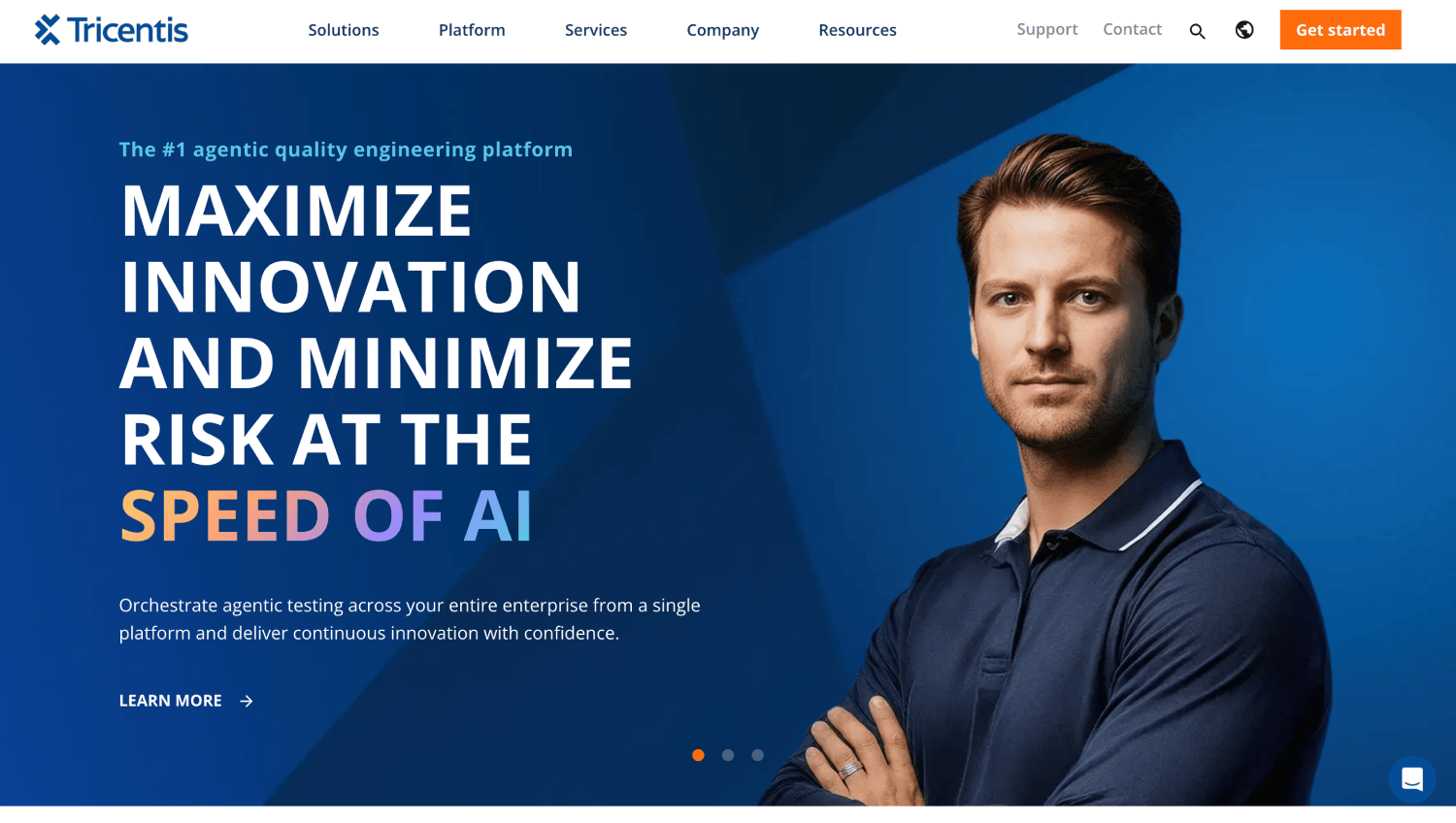
Tricentis is the largest pure-play enterprise testing platform in the market and has specific ERP test accelerators covering Workday, SAP, Oracle, and Salesforce. For organizations running Workday alongside SAP S/4HANA or Oracle ERP, Tricentis’s value is in managing the entire enterprise application regression suite from a single platform rather than buying separate tools for each system.
The Workday-specific accelerator provides pre-built test cases and a model-based test design approach that adapts tests to UI changes without script-level rewriting. Tricentis maintains this library and updates it in response to Workday releases. The platform is more technically complex than Opkey and is better suited to organizations with a QA engineering function or an enterprise IT team managing the tooling.
Tricentis pricing is quote-based. For organizations that do not run SAP or Oracle alongside Workday and do not have in-house QA engineering, the platform’s complexity and cost structure may exceed the need. Teams in that situation typically get better value from Opkey or Testhouse.
Worksoft: For Enterprises Running Workday and SAP in Parallel
Worksoft occupies a similar position to Tricentis in the multi-ERP segment. Its Certify platform has Workday-specific test content and an architecture that supports cross-application testing flows spanning Workday and SAP. The platform is stronger on SAP than on Workday-native scenarios and makes the most sense for large enterprises where SAP remains the system of record for finance while Workday handles HR.
Worksoft is not a realistic option for teams without dedicated QA engineering. The platform requires technical implementation and ongoing maintenance by people who understand test automation tooling. For those teams, the pre-built content advantage diminishes because the investment to operationalize the platform is significant regardless.
Panaya: Change Impact Analysis Before You Test
Panaya takes a different entry point than the other vendors on this list. Its platform analyzes Workday release notes and your specific configuration to predict which business processes are affected by an upcoming release, before you run a single test. The output is a prioritized impact report that tells your team where to focus regression testing effort.
This is genuinely useful for teams whose regression packs have grown unwieldy. Running several thousand test cases before every R1 and R2 release is not always practical, and knowing which subset is actually at risk from a specific release makes the testing window manageable. Panaya’s test automation coverage for Workday is growing but not as deep as Opkey or Tricentis on pre-built content, so it works best as a complement to another platform rather than a standalone solution.
UiPath ERP Testing: The Right Fit If You Already Run UiPath RPA
UiPath extended its robotic process automation platform into ERP testing and has Workday connectors that allow teams to build automated test flows using the same tooling they already use for process automation. For organizations with an existing UiPath deployment and a team experienced in building UiPath workflows, this reduces tool sprawl and reuses existing skills.
The limitation is that UiPath does not ship a pre-built Workday regression library. Teams build test cases themselves using UiPath’s workflow tools. This works if you have the capacity to build and maintain that library, but it eliminates the primary shortcut that purpose-built Workday testing platforms offer. UiPath is a platform choice, not a content choice. Teams without existing UiPath investment should evaluate purpose-built Workday testing tools first.
Kainos Smart: Worth Knowing, Worth Evaluating Separately
Kainos Smart is a Workday-native testing platform developed by Kainos, one of Workday’s most significant implementation partners. The platform has deep integration with Workday’s own architecture and is maintained in close coordination with Workday’s release cycle. For teams already working with Kainos as their implementation or managed services partner, Smart is a natural extension of that relationship.
A full Kainos Smart evaluation belongs alongside the broader question of which Workday implementation and AMS partner you are using. If you are comparing Kainos against Alight or OneSource Virtual for your overall Workday partner relationship, that decision will likely determine whether Kainos Smart is the right testing platform by extension. For teams not already in the Kainos partner context, the other platforms on this list are easier to evaluate independently.
If you are weighing your overall Workday partner relationship, the Kainos vs Alight vs OneSource Virtual comparison is the right place to start before evaluating Smart as a testing layer.
How to Evaluate Workday Testing Automation Partners: A Practical Framework
Three questions determine which partner fits your situation. Answer them before you request demos.
How much can your team actually operate? If your HRIS team has no QA engineering capacity and no appetite to learn automation tooling, go with a managed service like Testhouse. If you have people who can operate a SaaS platform but not build test scripts from scratch, go with Opkey. If you have full QA engineering capacity, Tricentis or Worksoft are worth evaluating.
How much pre-built Workday content do you need? Teams with standard Workday configurations and no heavily customized business processes benefit most from pre-built libraries. Teams with deeply customized tenants will spend time extending any vendor’s library, which reduces the pre-built content advantage. Be honest about your customization level before weighting pre-built content too heavily.
What is your integration testing scope? If your Workday deployment feeds ten or more downstream systems, integration testing is where your real defect risk lives. Every platform on this list covers integration testing to some degree, but managed service providers like Testhouse require explicit scoping of your integration mapping. Self-service platforms require you to build or configure those test flows.
Teams replacing or extending their current Workday setup should also review whether their broader implementation support model includes any testing coverage, as many gaps between implementation partners and testing vendors show up in the best Workday managed services providers on post-go-live support scope.
What Does Automating Workday Release Testing Actually Cost?
Every vendor on this list uses quote-based pricing. No public pricing pages exist for Opkey, Tricentis, Testhouse, Worksoft, Panaya, or Kainos Smart for Workday-specific engagements. UiPath publishes platform pricing but not Workday-specific accelerator costs.
What buyers can use as reference points are the structuring variables that drive price: number of Workday modules in scope (HCM only versus HCM plus Payroll plus Financials), number of integrations to test, whether you need managed service execution or just platform access, and the size of your Workday tenant measured by employee count and business process complexity.
The ROI framing that holds up in practice: if your team spends three weeks of senior HRIS time on manual release testing twice a year, and your loaded cost per hour for those people is reasonable, you have a concrete baseline. Any automation solution that reduces that effort by more than half in the first two release cycles while improving defect detection will show positive return. Most teams find this threshold is crossed within one year of deployment with a purpose-built platform like Opkey, or within the first two managed service engagements with a provider like Testhouse.
For a fuller view of what implementation and support services actually cost across the Workday environment, the hidden costs of HR software covers the categories most buyers underestimate when budgeting for enterprise HCM.
Frequently Asked Questions
What is a Workday regression pack and why does it matter for R1 and R2 releases?
A Workday regression pack is the documented set of test cases your team runs before each biannual major release (R1 in the first half of the year, R2 in the second half) to confirm that core business processes still work after Workday’s updates. Without a maintained regression pack, teams either skip systematic testing, which exposes them to post-release defects in payroll or benefits processing, or test manually from memory, which produces inconsistent coverage. An automated regression pack runs the same tests every cycle with no variance.
How does automated Workday testing handle tenant refresh scenarios?
A tenant refresh copies your production configuration into a non-production environment so you can test against real configuration data. Automated testing platforms connect to the refreshed tenant via the same credentials and URLs as the production environment, so the test suite runs without reconfiguration after the refresh. The main issue is test data: a refreshed tenant brings production data into a non-production environment, which creates PII compliance risk unless test data masking is applied first. Managed service providers typically include data masking as part of the tenant refresh testing scope.
Can Workday testing automation tools handle integration testing between Workday and third-party systems?
Yes, but coverage varies significantly by vendor. Purpose-built Workday testing platforms like Opkey and Tricentis support end-to-end test flows that cross system boundaries, covering Workday and connected payroll, benefits, or ERP systems in the same test run. Managed service providers like Testhouse cover integrations within the scope of their service agreement, which must be explicitly defined during engagement setup. General RPA platforms like UiPath can build integration tests but require teams to construct those test flows themselves without pre-built content.
How long does it take to go live with a Workday automated test suite?
With a pre-built library platform like Opkey, teams with standard Workday configurations report being able to run a first automated regression cycle within four to eight weeks of starting the engagement. Managed service providers like Testhouse require a discovery and build phase that typically runs six to ten weeks before the first managed test execution. Teams choosing platforms without pre-built Workday content, such as UiPath, should budget significantly longer for test case development before reaching a functional regression suite.
What is test data masking in the context of Workday testing?
Test data masking is the process of replacing real employee PII (names, Social Security numbers, bank account details, compensation figures) in a non-production Workday tenant with realistic but fictitious data before testing begins. Running release tests against fully synthetic data catches fewer defects because edge cases in production data are not present. Running against raw production data in a sandbox creates GDPR, HIPAA, or general data privacy exposure. Masking threads the needle by preserving data structure and edge cases while anonymizing identifiers.
How do Workday testing partners handle the weekly release notes rather than just R1 and R2?
Workday releases updates weekly, not just twice a year. Most organizations do not run a full regression before every weekly drop, but a targeted smoke test covering critical payroll calculation flows, benefits elections, and core HCM transactions is reasonable. Platforms with maintained pre-built libraries, including Opkey and Kainos Smart, structure their libraries so a subset of tests can be designated as a weekly smoke pack and run on a lighter cadence. Managed service providers typically cover weekly smoke tests as an optional add-on to the standard R1/R2 engagement scope.
The Honest Summary of This Market
The vendors on this list are not interchangeable. Opkey is the strongest starting point for lean HRIS teams that want platform control without QA engineering capacity. Testhouse is the right choice when your team has no bandwidth to operate any tooling at all and wants to outsource the entire testing function. Tricentis and Worksoft make the most sense for enterprises already running multi-ERP environments with dedicated QA teams. Panaya adds value as a change impact analysis layer on top of another testing platform. UiPath belongs on your list only if your organization has existing RPA investment and the skills to build custom Workday test content. Kainos Smart is best evaluated as part of the broader Kainos partner relationship question.
The common mistake buyers make is treating the tooling decision as primary and the service model decision as secondary. For most HR teams, it is the reverse. Whether you have the capacity to operate automation tooling yourself determines which half of this market is relevant to you. Get that question answered internally before requesting a single demo.
If you are earlier in evaluating your overall Workday partner strategy before getting into testing specifics, the full list of Workday consulting firms covers the implementation, optimization, and ongoing support territory where testing partnerships most naturally originate.
SEO Metadata (remove before publishing)
1. Meta Title: 7 Best Workday Testing Automation Partners for R1 and R2 Release Testing
2. Meta Description: Compare the best Workday testing automation partners , Opkey, Tricentis, Testhouse, Worksoft, Panaya, UiPath, and Kainos Smart , by pre-built test library, managed service model, and integration testing depth.
3. OpenGraph Title: 7 Best Workday Testing Automation Partners for R1 and R2 Release Testing
4. OpenGraph Description: Opkey, Testhouse, Tricentis, and four more: which Workday testing automation partner fits your team’s capacity and Workday footprint? An honest comparison for HRIS and enterprise IT buyers.
5. URL Slug: best-workday-testing-automation-partners
6. RankMath Focus Keywords: Workday testing automation, Workday release testing, Workday R1 R2 testing, Opkey Workday, Testhouse Workday, Workday regression testing
7. Tags: Workday, HR Software, HRIS, Testing Automation, Opkey, Tricentis, Testhouse, Worksoft, Panaya, Kainos Smart, UiPath, Enterprise HR
8. FAQ Schema (JSON-LD): copy the block below into RankMath, Schema, Custom Schema.
{
  "@context": "https://schema.org",
  "@type": "FAQPage",
  "mainEntity": [
    {
      "@type": "Question",
      "name": "What is a Workday regression pack and why does it matter for R1 and R2 releases?",
      "acceptedAnswer": {
        "@type": "Answer",
        "text": "A Workday regression pack is the documented set of test cases your team runs before each biannual major release (R1 in the first half of the year, R2 in the second half) to confirm that core business processes still work after Workday's updates. Without a maintained regression pack, teams either skip systematic testing or test manually from memory, which produces inconsistent coverage. An automated regression pack runs the same tests every cycle with no variance."
      }
    },
    {
      "@type": "Question",
      "name": "How does automated Workday testing handle tenant refresh scenarios?",
      "acceptedAnswer": {
        "@type": "Answer",
        "text": "Automated testing platforms connect to the refreshed tenant via the same credentials and URLs as the production environment, so the test suite runs without reconfiguration after the refresh. The main issue is test data: a refreshed tenant brings production data into a non-production environment, which creates PII compliance risk unless test data masking is applied first. Managed service providers typically include data masking as part of the tenant refresh testing scope."
      }
    },
    {
      "@type": "Question",
      "name": "Can Workday testing automation tools handle integration testing between Workday and third-party systems?",
      "acceptedAnswer": {
        "@type": "Answer",
        "text": "Yes, but coverage varies significantly by vendor. Purpose-built platforms like Opkey and Tricentis support end-to-end test flows that cross system boundaries. Managed service providers like Testhouse cover integrations within the scope of their service agreement. General RPA platforms like UiPath can build integration tests but require teams to construct those flows themselves without pre-built content."
      }
    },
    {
      "@type": "Question",
      "name": "How long does it take to go live with a Workday automated test suite?",
      "acceptedAnswer": {
        "@type": "Answer",
        "text": "With a pre-built library platform like Opkey, teams with standard Workday configurations report running a first automated regression cycle within four to eight weeks. Managed service providers like Testhouse require a discovery and build phase that typically runs six to ten weeks before the first managed test execution. Teams choosing platforms without pre-built Workday content should budget significantly longer."
      }
    },
    {
      "@type": "Question",
      "name": "What is test data masking in the context of Workday testing?",
      "acceptedAnswer": {
        "@type": "Answer",
        "text": "Test data masking replaces real employee PII (names, Social Security numbers, bank account details, compensation figures) in a non-production Workday tenant with realistic but fictitious data before testing begins. It preserves data structure and edge cases while anonymizing identifiers, avoiding both the defect-detection gaps of fully synthetic data and the compliance exposure of raw production data in a sandbox."
      }
    },
    {
      "@type": "Question",
      "name": "How do Workday testing partners handle weekly release notes rather than just R1 and R2?",
      "acceptedAnswer": {
        "@type": "Answer",
        "text": "Most organizations run a targeted smoke test after weekly drops rather than a full regression. Platforms with maintained pre-built libraries, including Opkey and Kainos Smart, allow teams to designate a subset of tests as a weekly smoke pack. Managed service providers typically cover weekly smoke tests as an optional add-on to the standard R1/R2 engagement scope."
      }
    }
  ]
}